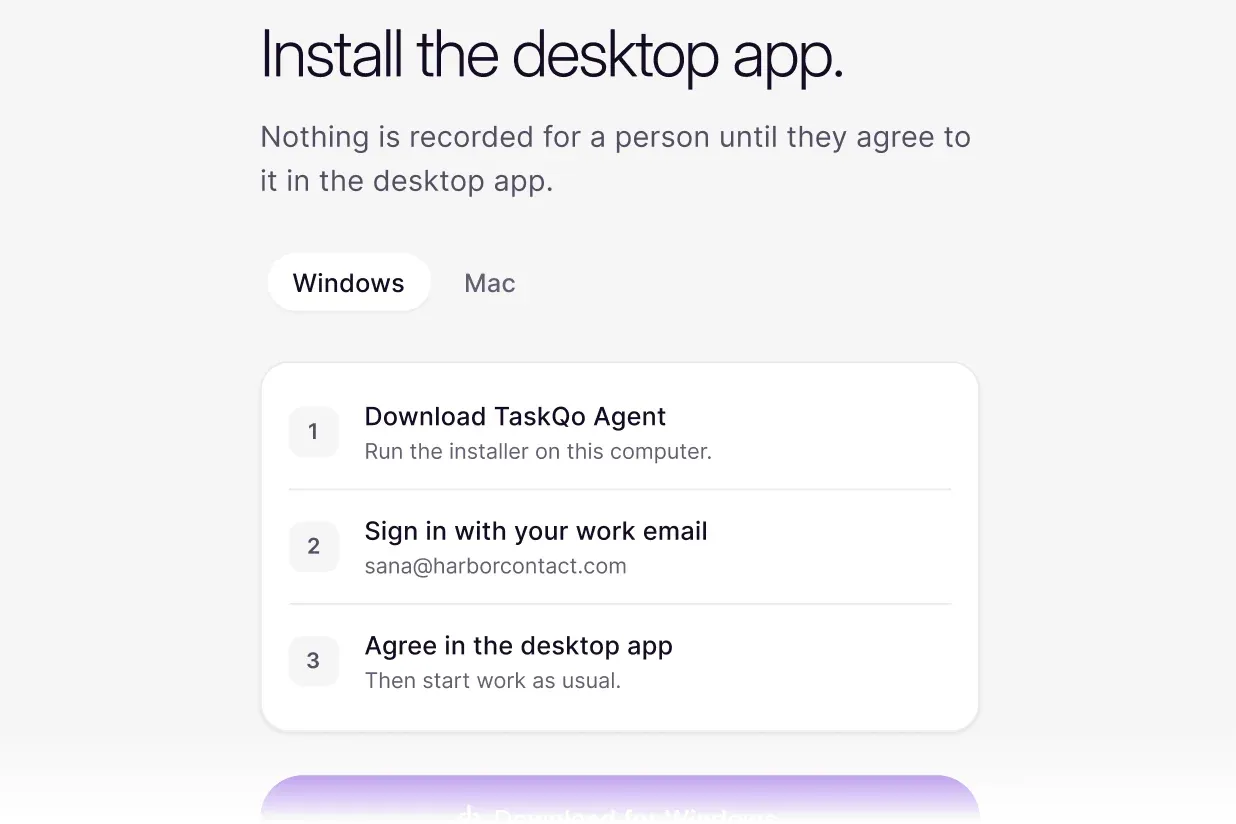
Consent first
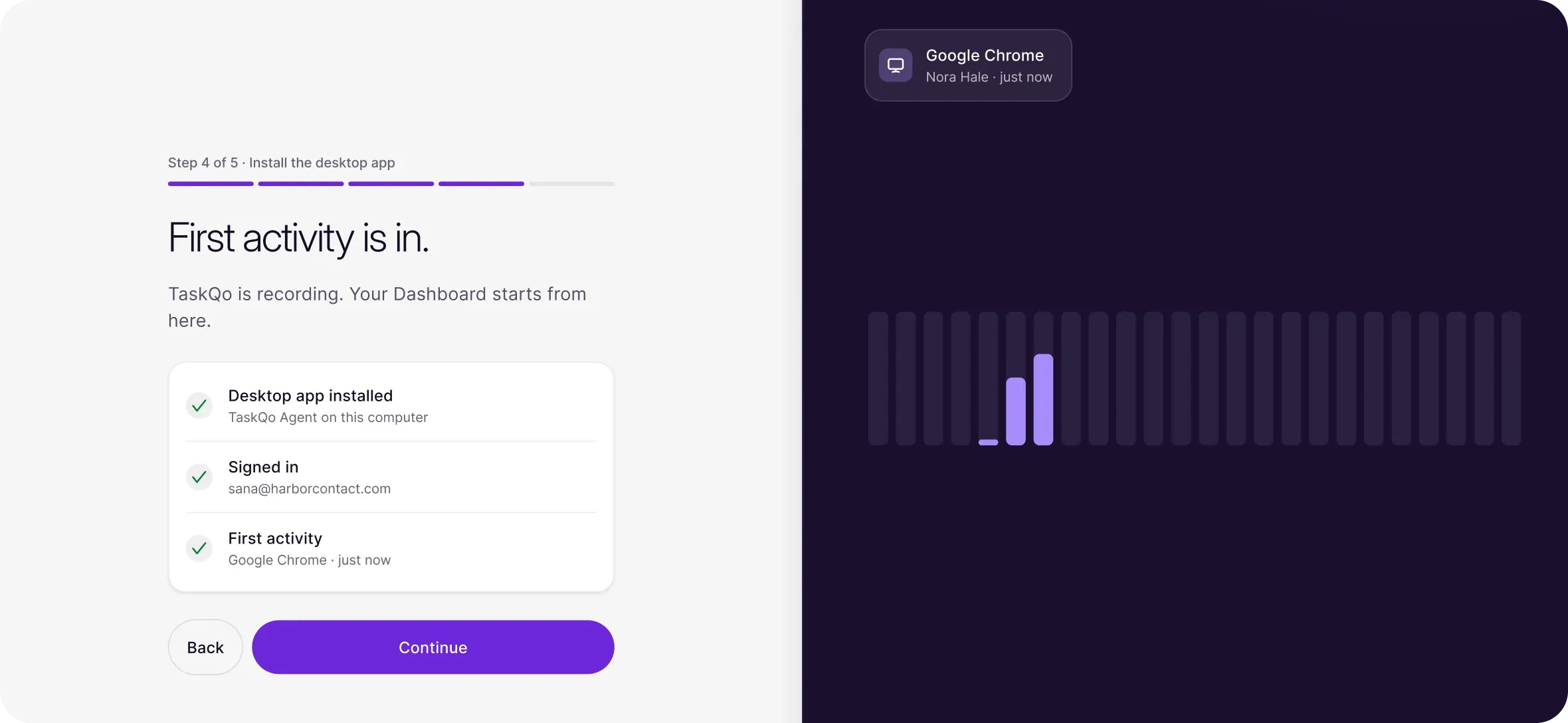
Consent is recorded in the desktop app before it captures anything.

Desktop app
Consent, shift start, breaks and capture all happen in one small app on each computer, so monitoring stays inside the shift.

Desktop app
Consent is recorded in the desktop app before it captures anything.
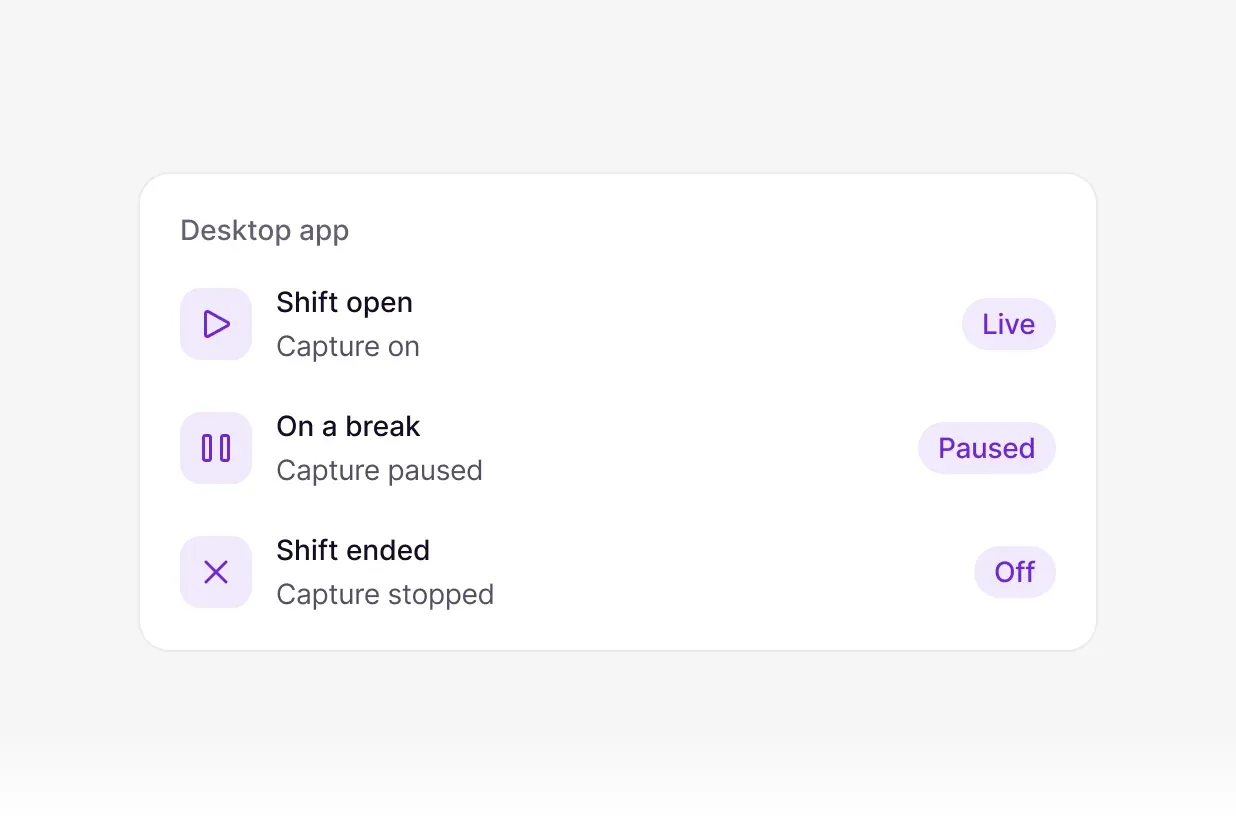
Capture stops when the shift ends, and on every break or pause.
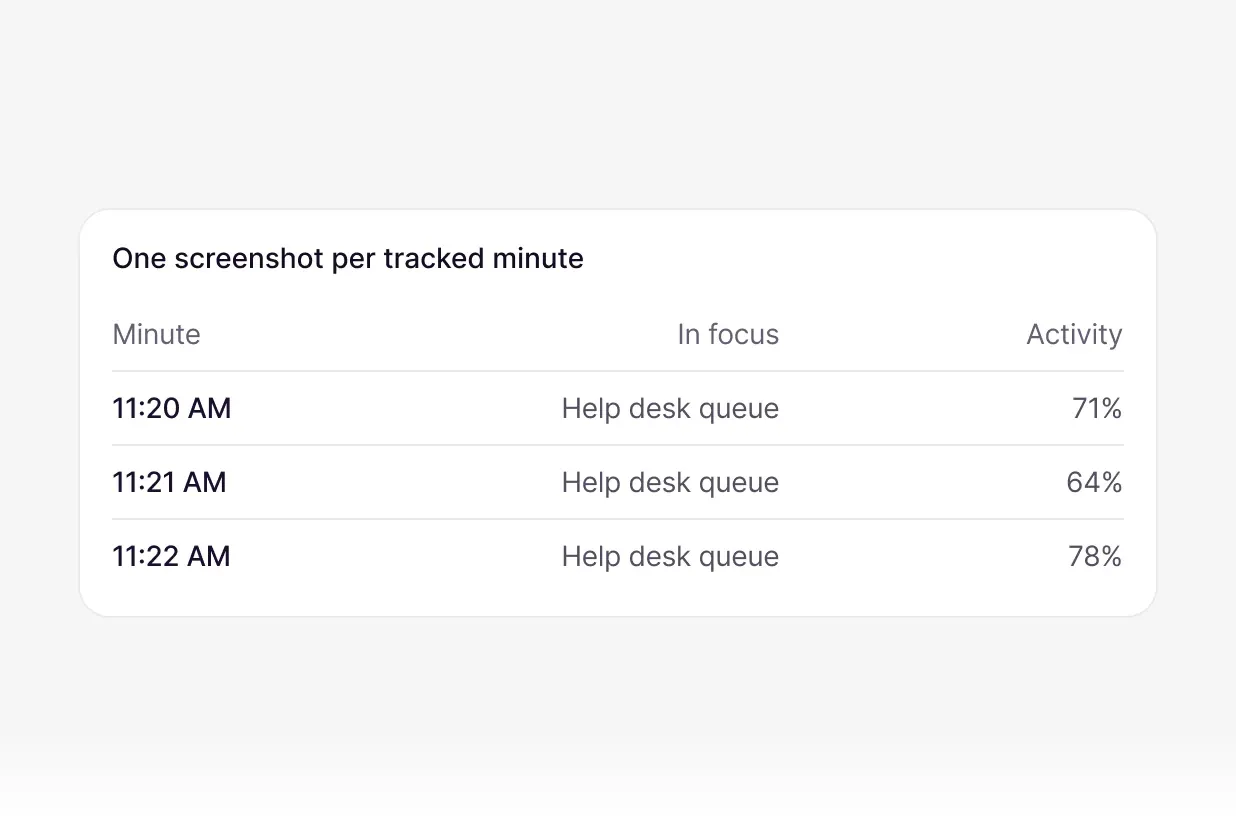
One screenshot per tracked minute, with the app in focus and activity level.
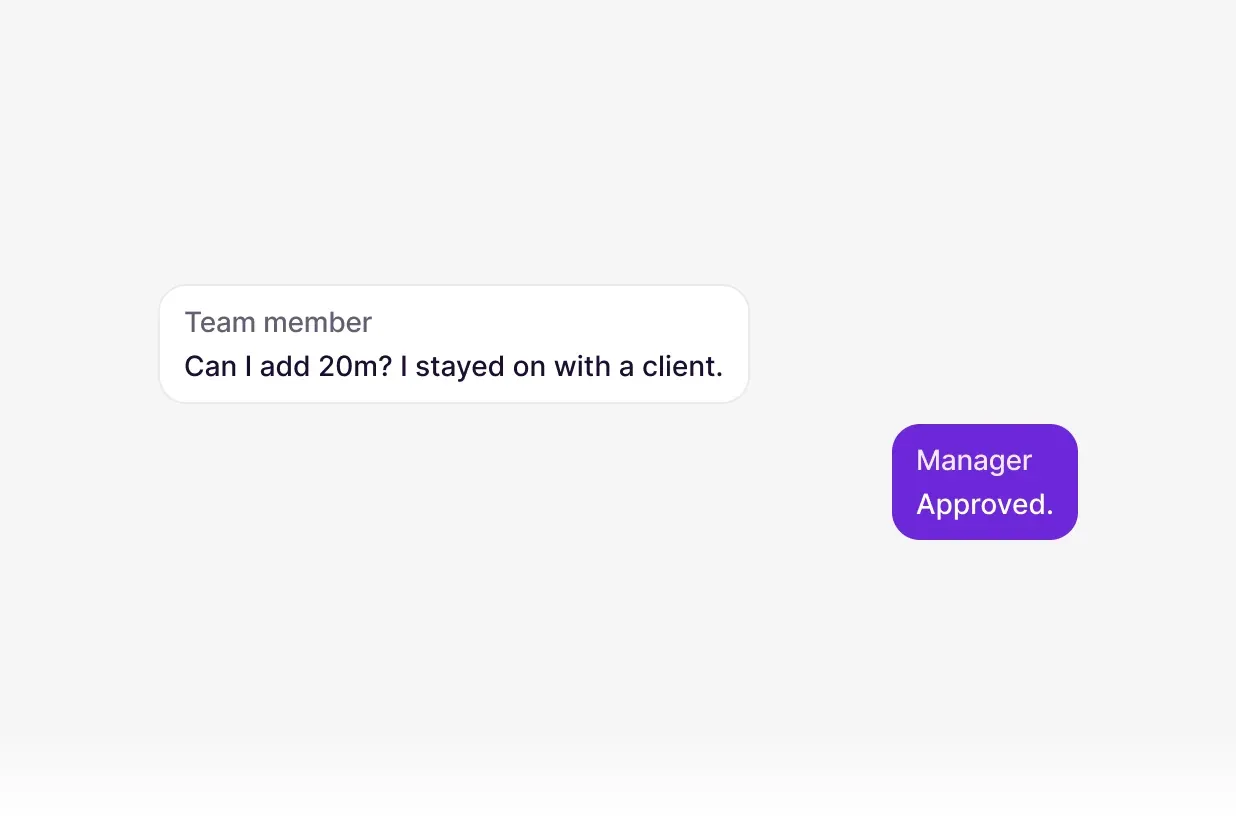
A team member can request extra time for a manager to approve.
Team members start the shift themselves, and they can see when capture is on.
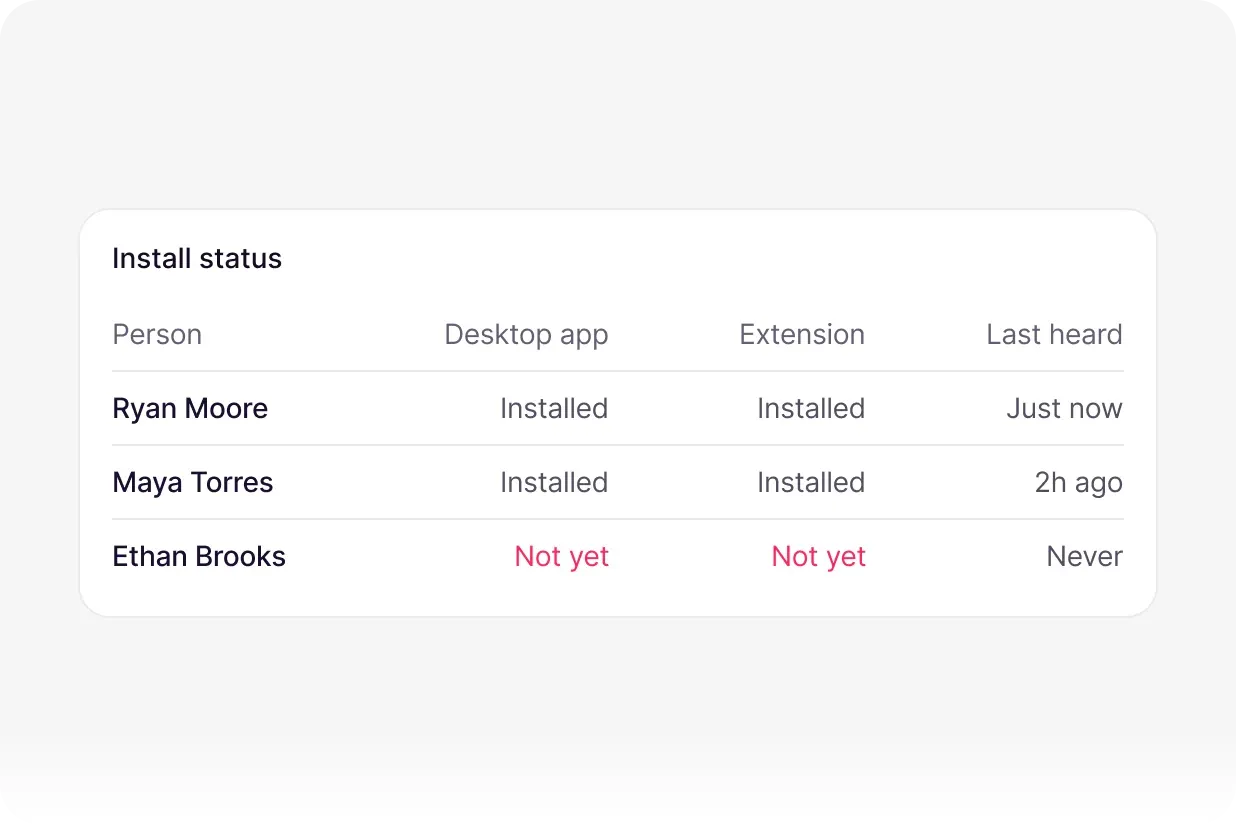
On each team member's page, managers see whether the TaskQo desktop app and the browser extension are installed on that person's computer, which version they run and when TaskQo last heard from them.
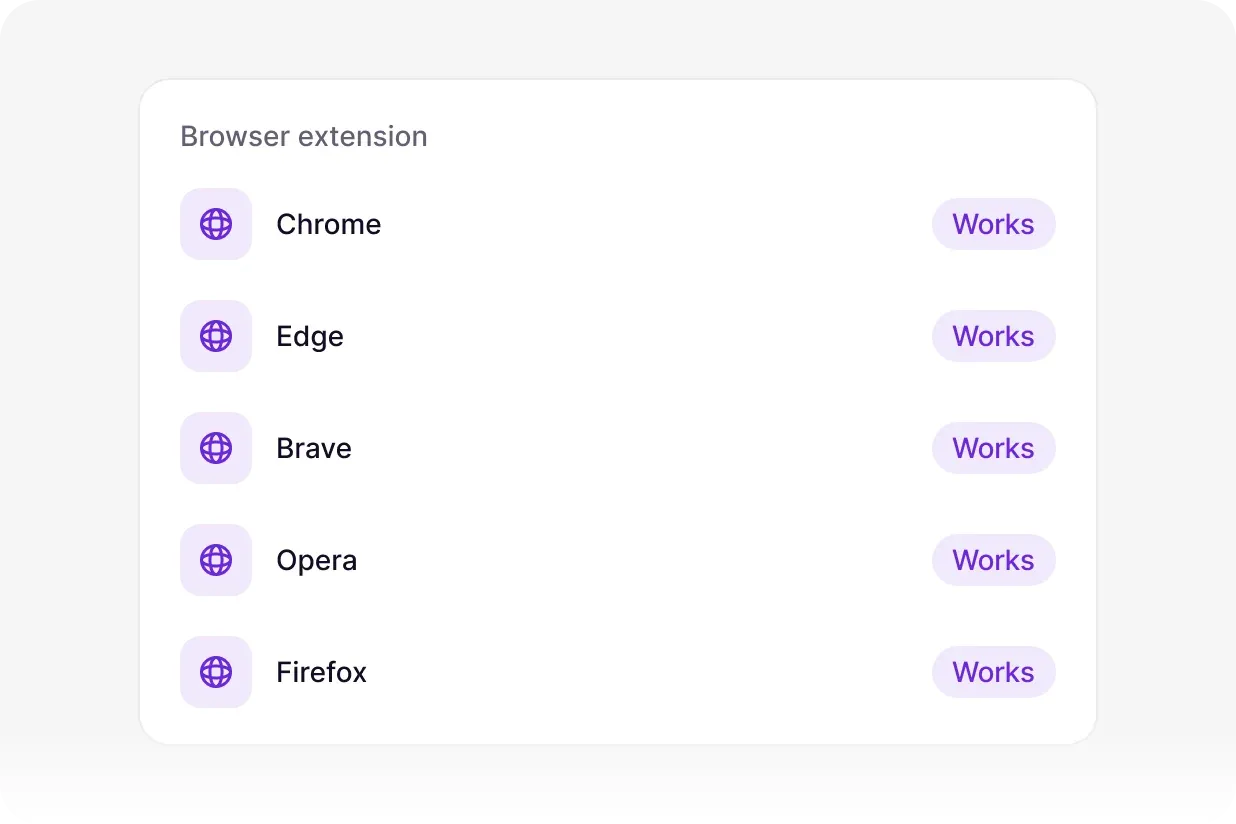
The browser extension works in Chrome, Edge, Brave, Opera and Firefox.
Send the invite and each person installs it.
Recorded before the first capture.
Capture runs only while the shift is open.
Questions
Nothing is captured until a shift starts, and capture stops when it ends, and on every break or pause. With fixed shifts, a shift can only start inside its scheduled window.
Not by default. Classifications come from one screenshot per tracked minute plus activity levels. Typed-text capture stays off unless an admin turns it on, and card numbers, email addresses and labelled passwords are removed when it is.

Start free with 1,000 tokens. No credit card needed.
Chats are kept to improve TaskQo. Please do not share personal details.