Performance reports that build themselves.
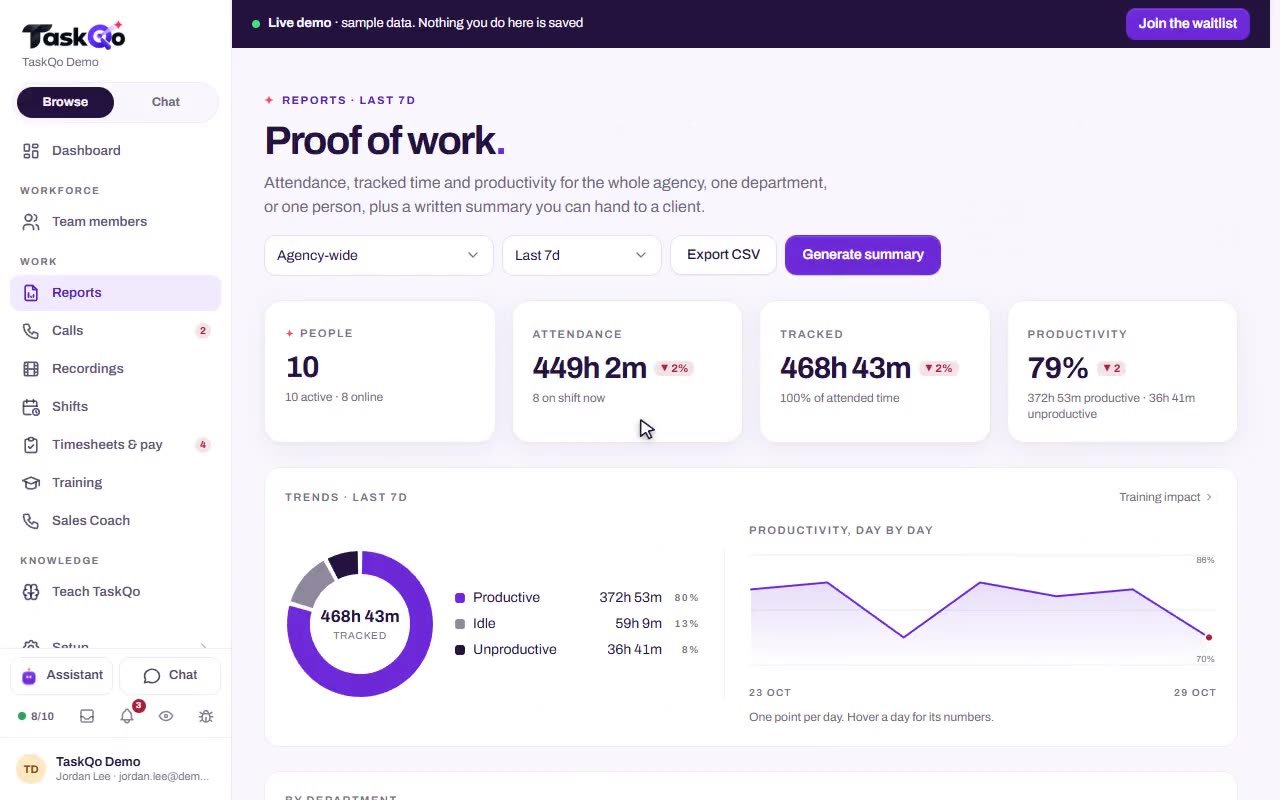
See performance by person, department or client account. Every result links back to the activity behind it, so a report is something you can check.
7-day free trial · No card needed
What you get
Three ways to look
Reports for each person, each department and each client account, all built from the same tracked work.
Drill into the evidence
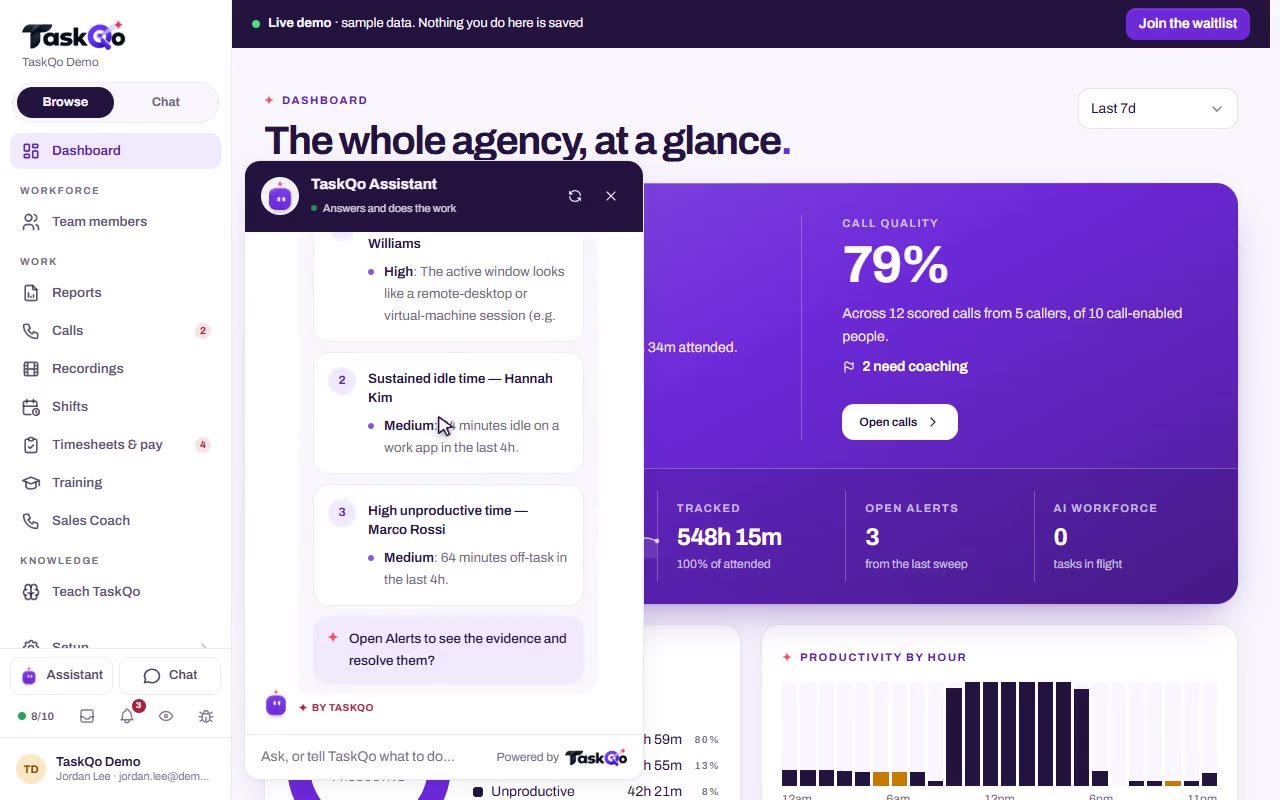
Open any result to see the activity behind it, down to the classified minutes.
Numbers clients can see
Hours, scores and flags for every client account in one view, so you can show a client the work done for them.
Shared with the person
A person's weekly report is shared with them too, so nobody is measured without seeing the result.
How it works
- 1
Work is tracked
Shifts, classified minutes, calls and attendance are recorded as the team works.
- 2
Reports fill in
TaskQo builds the person, department and client account reports from that record.
- 3
Drill down and share
Open any result to see the activity behind it, and share person reports with the people they are about.
Client account reports for BPOs
If you run work for clients, you need to show what each account received. The client account report puts hours, scores and flags for every account in one view, built from the same tracked minutes your managers already review.
- Hours by client account
- Scores and flags for each account
- Built from tracked work, not by hand
Department reports for team leads
The department report shows productive time, QA averages and off-task trends by team. Compare departments side by side and see where performance is slipping while there is still time to coach it.
- Productive share by department
- QA averages from reviewed calls
- Off-task trends by team
Person reports people can see
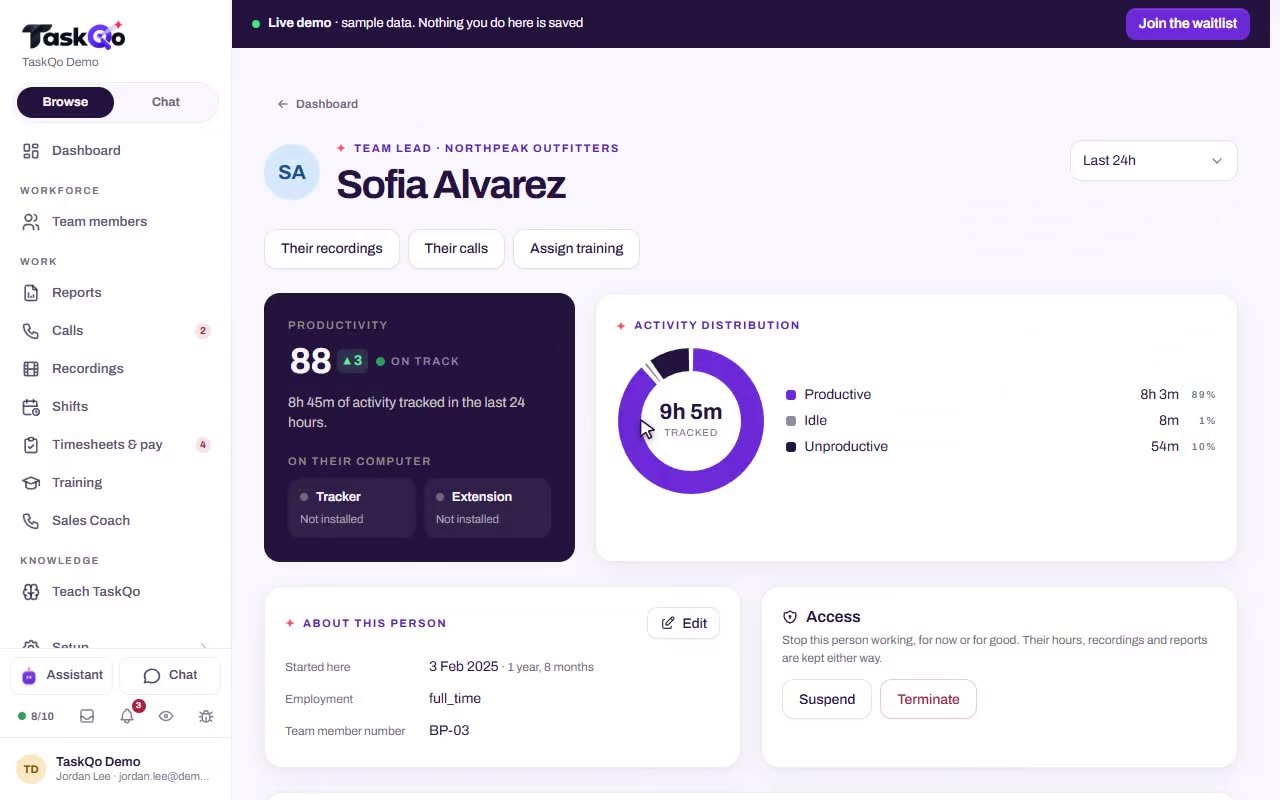
A person report covers one person's week: attendance, productive time, calls and pay. It is shared with them too, and their self-view shows the same timeline their manager sees, with the reason behind each classification.
- Attendance and productive time
- Calls for the week
- Pay for hours worked
Person reports are shared with the person they are about, and every result links back to the activity behind it.
Questions
Which reports does TaskQo include?
Reports by person, department and client account. Each one lets you drill from a result into the activity behind it.
Can I report hours for each client?
Yes. The client account report shows hours, scores and flags for every client account in one view.
Do team members see their own report?
Yes. A person report covers their week, including attendance, productive time, calls and pay, and it is shared with them too.
Do I have to build reports by hand?
No. Reports build themselves from the tracked work, calls and attendance TaskQo already records.