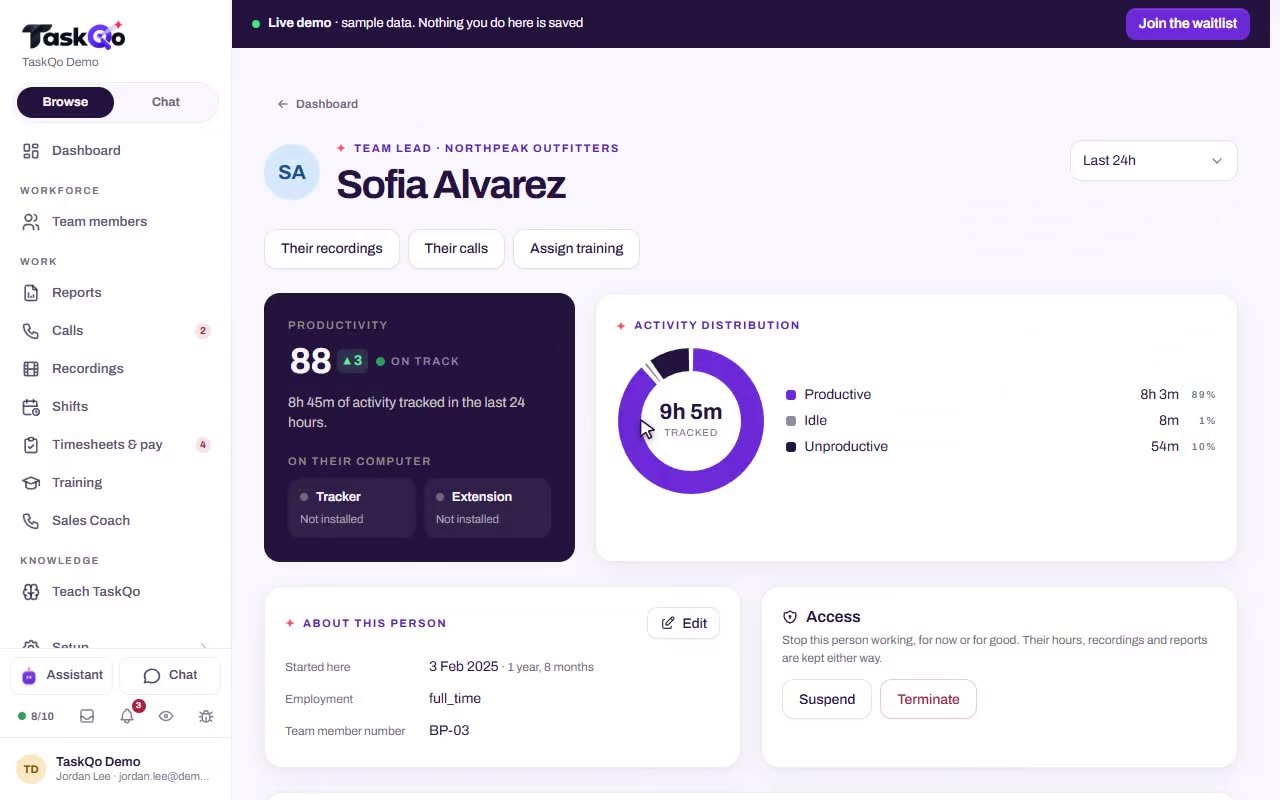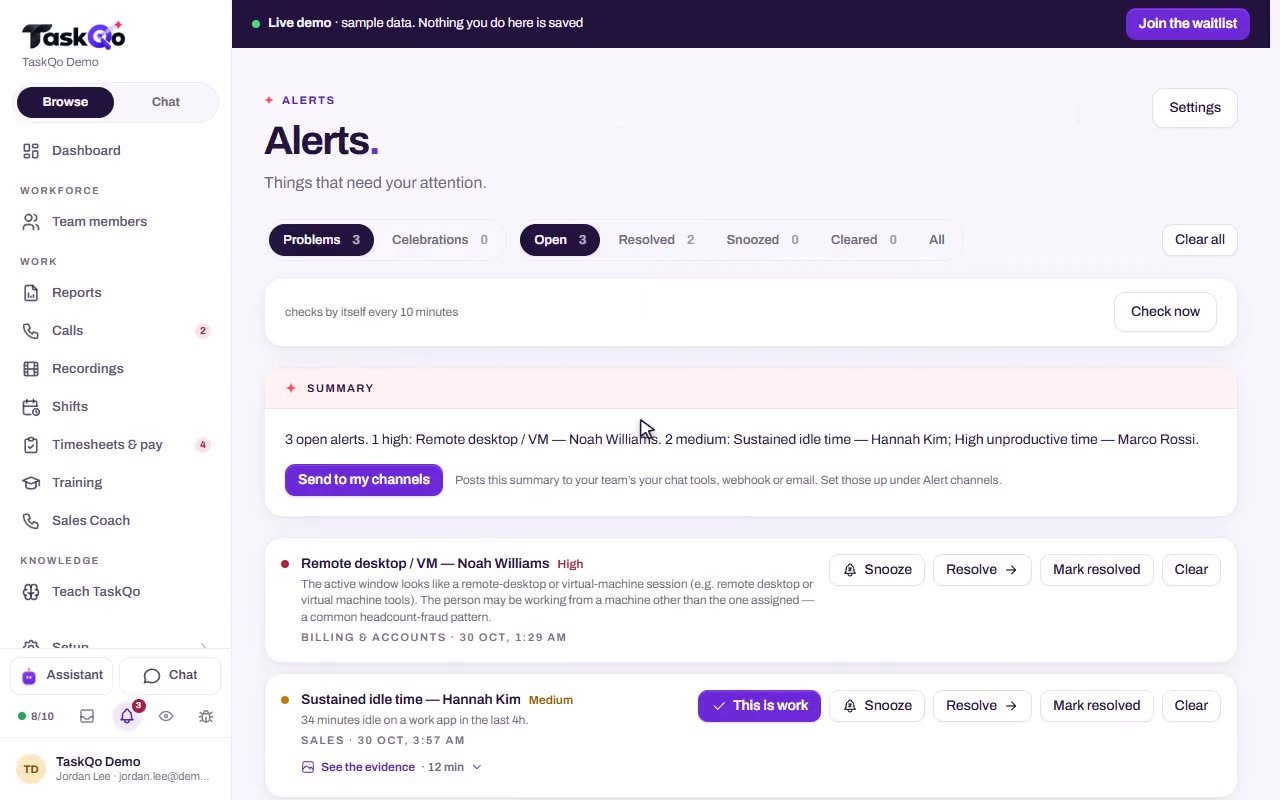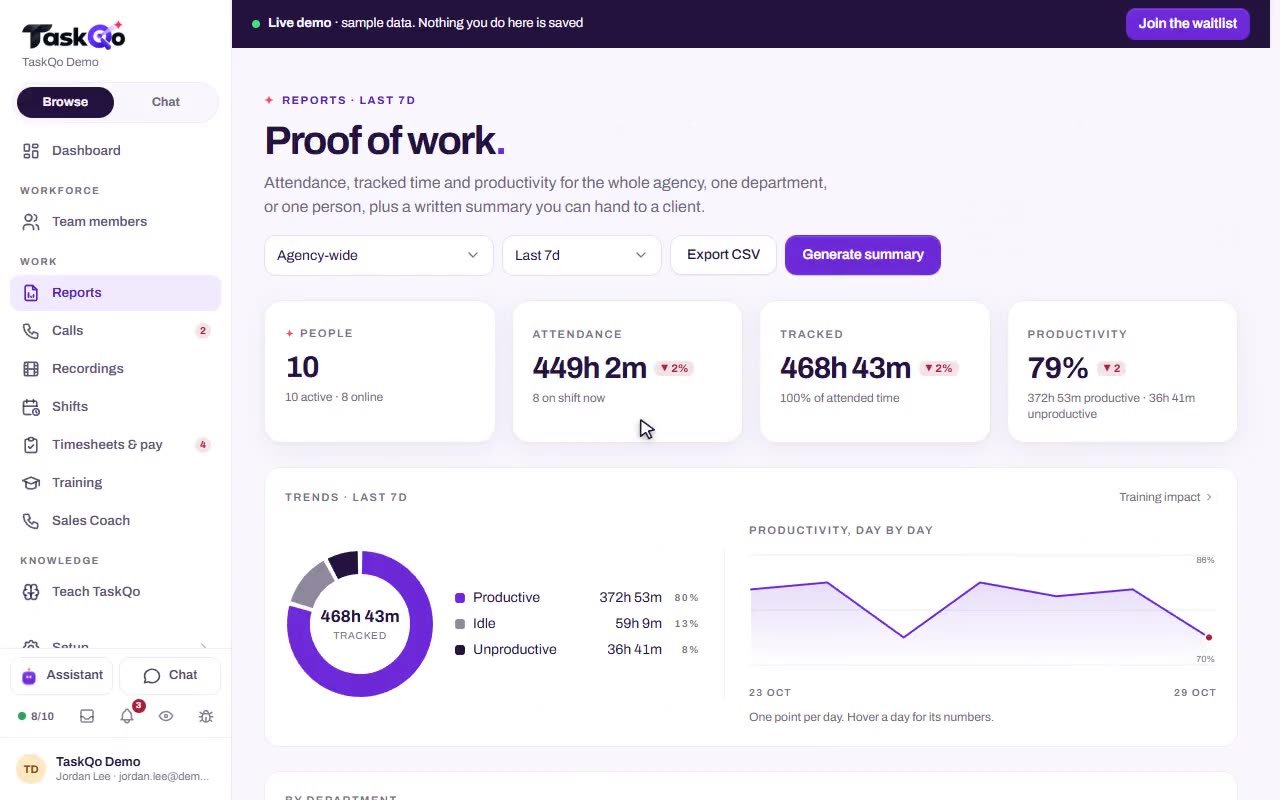
Replay the full shift when you need the whole picture.
TaskQo compiles recorded work into one video per shift, with chapters at flagged moments. Jump to what happened instead of watching hours of video.
7-day free trial · No card needed
What you get
One video per shift
Recorded work becomes a single video for the shift, so there is one place to look instead of scattered clips.
Chapters at flagged moments
Flags such as an off-task stretch or a remote-desktop session become chapters you can jump to straight away.
A timestamp, not an argument
When a question comes up about a shift, point to the moment in the video and close the dispute.
Private screens stay private
Screens on the never captured list, such as online banking, are never captured. The recording marks that moment as private.
How it works
- 1
Choose who it covers
Screen video is a sensitive setting you choose. Set it for everyone, then change it for one department or one person.
- 2
Work the shift
Recording runs only while the shift is open. TaskQo compiles the recorded work into one video for that shift.
- 3
Jump to a chapter
Open the shift and pick a chapter, such as an off-task stretch or a remote-desktop flag. Speed up playback for the rest.
Skip the hours, find the moment
Nobody wants to watch an eight hour shift. Chapters mark the flagged moments, so you open the recording at the point that matters. In the sample data, a shift from 9:00 AM to 5:00 PM carries chapters for an off-task stretch at 11:20 AM and a remote-desktop flag at 1:04 PM.
- Chapters at flagged moments
- Faster playback for the rest of the shift
- Private moments marked, never shown
Sensitive screens never reach the video
Patient portals, payment pages, password managers and online banking start on the never captured list, and you can add your own. While one of them is on screen, nothing is captured and the minute still counts as work.
For screenshots, optional automatic blurring hides card numbers, social security numbers, email addresses and phone numbers before they are stored.
Stored for your organization only
Recordings are kept in TaskQo storage, encrypted with a key for your organization, or in a storage account you connect. Only people in your organization with access can open them, and recordings are deleted on the retention schedule you set.
- Encrypted with a key for your organization
- A retention schedule you control
- 5 GB of TaskQo storage free
Recording runs only inside shifts, sensitive screens are never captured, and recordings are deleted on the retention schedule you set.
Questions
Do I have to watch the whole shift?
No. Chapters mark the flagged moments, so you can jump straight to them and speed up the rest.
Can I turn screen video off for some people?
Yes. Capture settings are set for everyone and can be changed for one department or one person. The privacy-first setup turns screen video off along with typed text, audio, file activity and location.
What happens if someone opens online banking during a shift?
Online banking is on the never captured list, so nothing is captured while it is on screen. The minute still counts as work.
Where are shift recordings stored?
In TaskQo storage, encrypted with a key for your organization, or in a storage account you connect. They are deleted on the retention schedule you set.