Plan every shift on one weekly calendar.
Set fixed or flexible shifts on a weekly calendar, with leave and holidays in the same view. Monitoring runs only inside them.
7-day free trial · No card needed
What you get
Fixed or flexible
Use fixed shifts for teams that cover set hours, or flexible shifts where people need more room in their day.
Leave and holidays included
Leave and holidays sit on the same weekly calendar, so the plan and the exceptions are in one view.
Monitoring follows the schedule
Nothing is captured until a shift starts. Capture stops when it ends and pauses on every break.
Start inside the window
With fixed shifts, a shift can only start inside its scheduled window, so capture never begins early.
How it works
- 1
Set the week
Add fixed or flexible shifts to the weekly calendar, then add leave and holidays.
- 2
The shift begins
Consent is recorded in the desktop app before the first capture. With fixed shifts, the shift can only start inside its window.
- 3
Hours move on
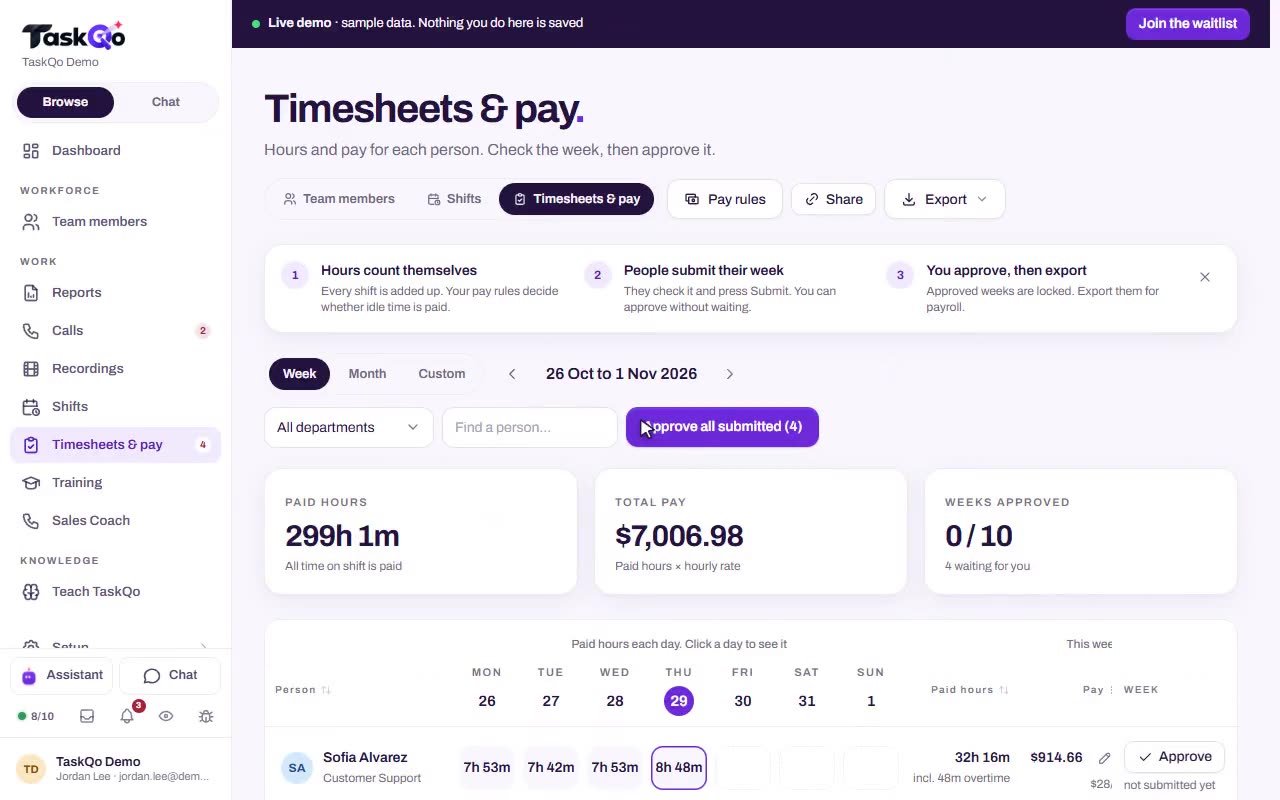
Tracked shift time feeds attendance, overtime, breaks and holiday pay, ready for your weekly approval.
A schedule that also sets the rules
In TaskQo the schedule is more than a plan. It decides when monitoring is allowed to run. Outside a shift the capture engine is switched off on the device, and every break or pause stops capture too.
- Capture only while a shift is open
- Capture pauses on breaks
- Off before and after the shift
Fixed shifts and flexible shifts
Fixed shifts suit teams that cover set hours, such as a queue staffed from 9:00 AM to 5:00 PM. The shift can only start inside its scheduled window, so the record matches the plan.
Flexible shifts give people more room, and the same rule still applies. Monitoring runs only while a shift is open.
Leave, holidays and pay in one place
Because shifts, leave and holidays sit together, TaskQo can work out attendance, overtime, breaks and holiday pay from tracked work. There is no separate spreadsheet to keep in step with the calendar.
- Leave and holidays on the weekly calendar
- Holiday pay worked out from tracked time
- Overtime and breaks counted from the shift
Monitoring runs only inside scheduled shifts, and outside them the capture engine is switched off on the device.
Questions
Does TaskQo monitor outside working hours?
No. Nothing is captured until a shift starts, and capture stops when it ends and on every break or pause.
Can someone start a fixed shift early?
No. With fixed shifts, a shift can only start inside its scheduled window.
Do leave and holidays go on the same calendar?
Yes. Fixed and flexible shifts, leave and holidays all sit on one weekly calendar.
What happens to the hours after a shift?
TaskQo calculates attendance, overtime, breaks and holiday pay from tracked work, ready for you to review and approve each week.