Turn verified work time into payroll-ready hours.
Attendance, overtime, breaks and holiday pay come straight from tracked work. Check the week, approve it, and export the file your payroll needs.
7-day free trial · No card needed
What you get
Hours from real work
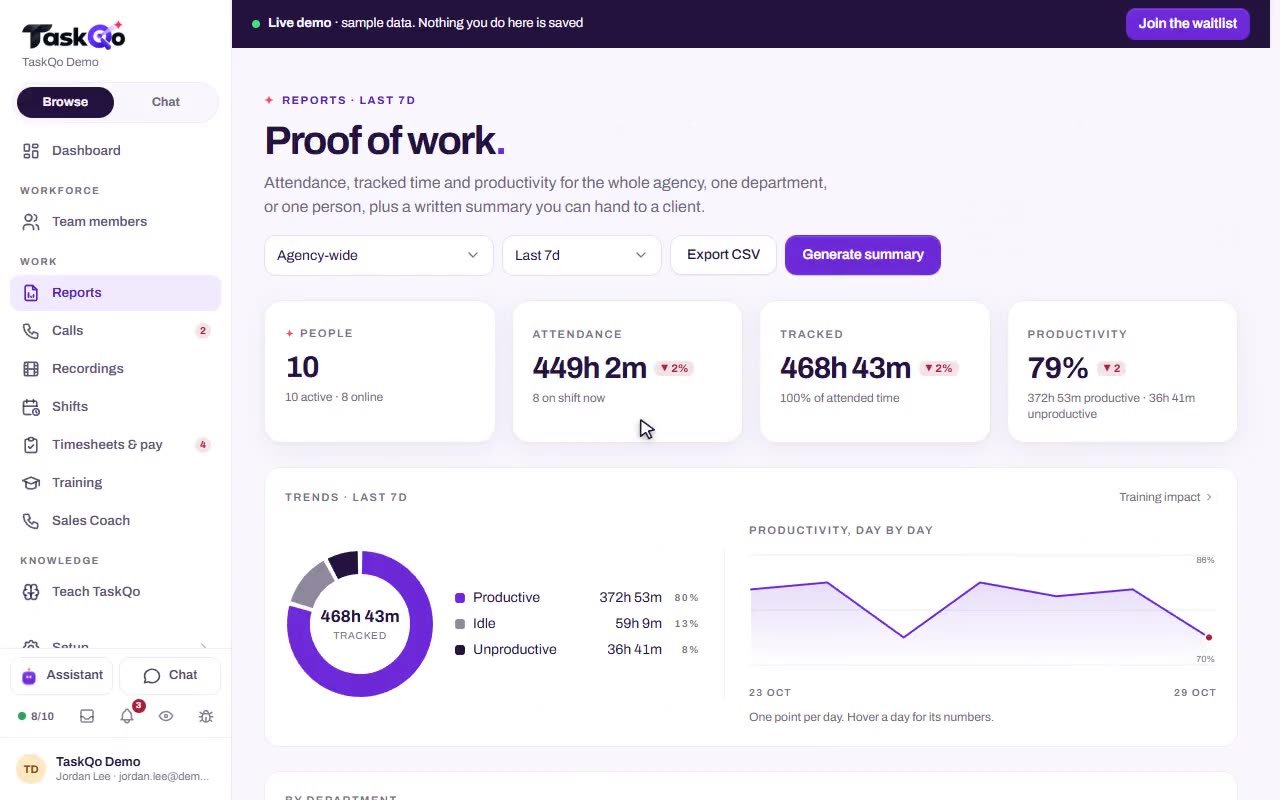
Attendance, overtime, breaks and holiday pay are calculated from tracked work, not rebuilt from memory or a spreadsheet.
Rates that fit your team
Use hourly rates or salaries, with overtime and holiday rates applied to the hours worked.
Approved weeks stay locked
Approve a week when it looks right. Once approved it is locked, so the numbers you send to payroll stay put.
Every change has a reason
Manual time is clearly marked on timesheets, and every change a manager makes to someone's hours needs a reason.
How it works
- 1
Shifts are tracked
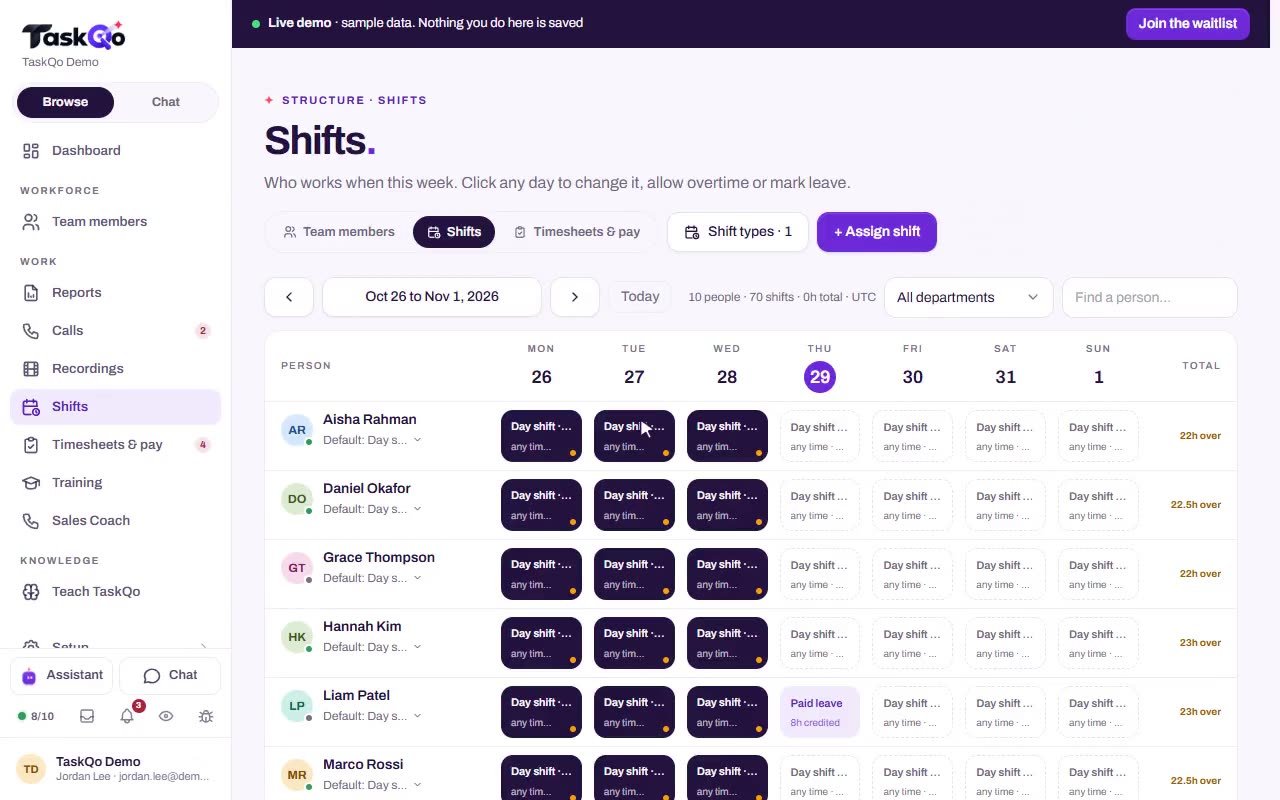
The desktop app records time on shift, with breaks, leave and holidays taken from the weekly calendar.
- 2
Review the week
Check each person's hours and pay, answer time requests, and add time where needed with a reason.
- 3
Approve and export
Approve the week to lock it, then export a payroll-ready CSV or a timesheet PDF for your payroll process.
Payroll prep, not payroll
TaskQo prepares the hours and the pay figures. It does not pay anyone. You export a payroll-ready CSV or a timesheet PDF and run payroll the way you already do.
- Payroll-ready CSV export
- Timesheet PDF
- Week, month or custom date ranges
Requests and changes on the record
When someone needs time added, the request arrives with the times and a reason. In the sample data, Nadia Ruiz asks for 20 minutes after staying on with a client once the tracker had closed. You approve it or decline it.
Manual time is clearly marked, and any change a manager makes to someone's hours needs a reason that stays in the record.
Your hours are never lost
Time and attendance keep recording even when your token balance runs out. Only AI analysis pauses until the balance is topped up. AI never changes pay either. Pay comes from hours worked and keyboard and mouse activity, not from AI scores.
- Hourly rates and salaries
- Overtime and holiday rates
- Breaks, leave and holidays
- Weekly approval, with approved weeks locked
AI never changes pay, and every manual change to someone's hours needs a reason kept in the record.
Questions
Does TaskQo pay my team?
No. TaskQo prepares payroll-ready hours and pay figures. You export them as a CSV or a timesheet PDF and pay people through your own payroll.
Can AI scores change someone's pay?
No. Pay comes from hours worked and keyboard and mouse activity, not from AI scores.
What happens to time tracking if our token balance runs out?
Time and attendance keep recording. Only AI analysis pauses until you add tokens.
Can an approved week change later?
Approved weeks are locked, so the numbers stay as you approved them.