Know the work is getting done without checking in.
Messages asking "are you there?" waste everyone's time. TaskQo shows what was worked on during each shift, and every team member sees the same record you do.
7-day free trial · No card needed
What you get
Fewer status check-ins
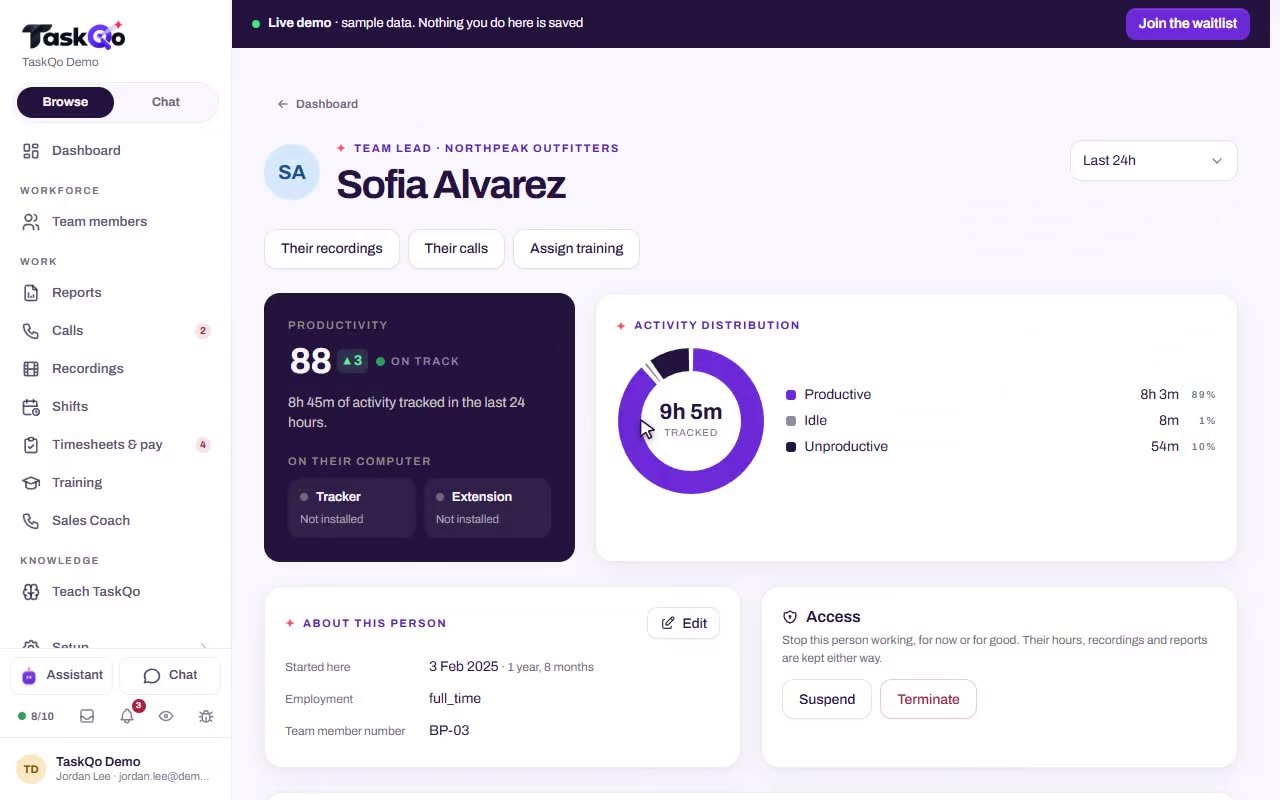
The timeline shows what each tracked minute was spent on, so you stop asking for updates just to know work is moving.
Flexible shifts that still count
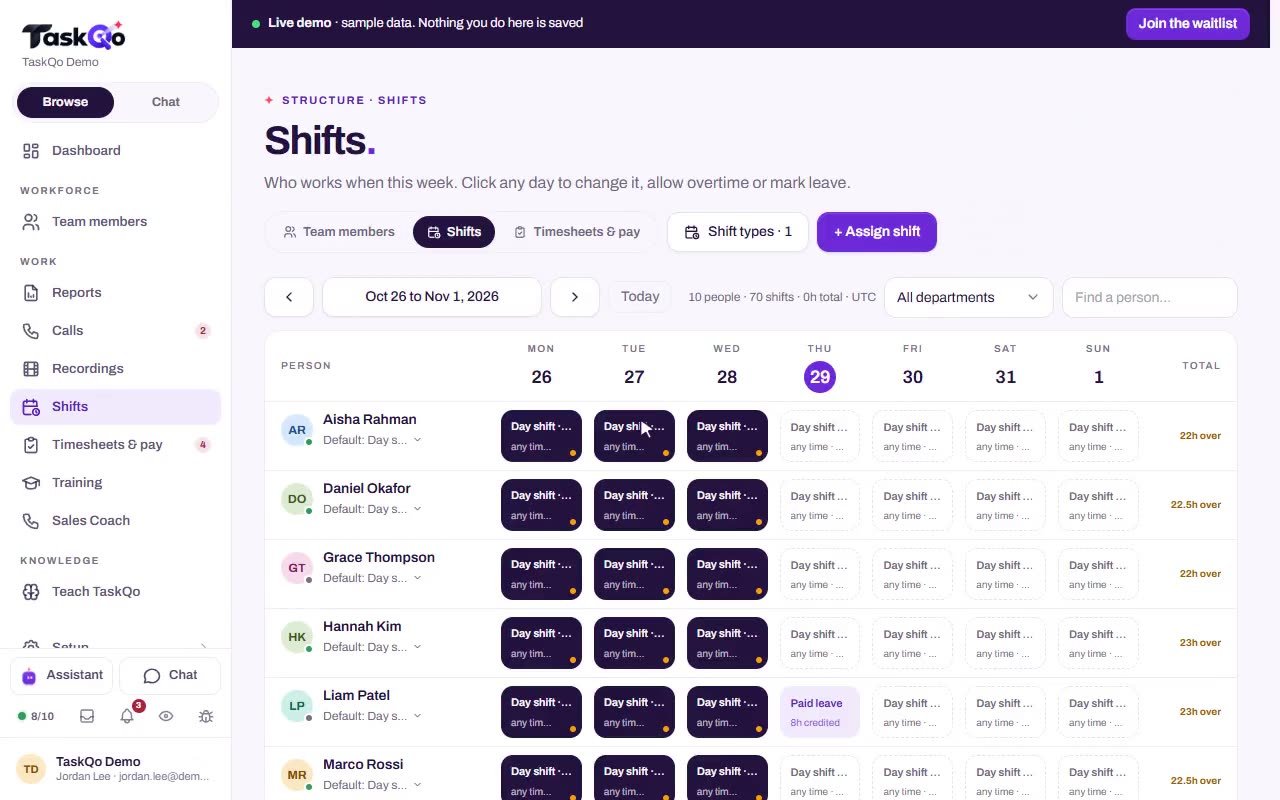
Plan fixed or flexible hours on a weekly calendar, including leave and holidays. Monitoring runs only inside them and pauses on breaks.
The same view for everyone
Each team member has a self-view with the timeline their manager sees, including the reason behind each classification.
Hours you can approve
Attendance, overtime and breaks come from tracked work. Approve the week and it locks, ready to export for payroll.
What gets easier
You send check-in messages all day just to know work is moving.
The timeline shows what each tracked minute was spent on, so updates come from the work itself.
Remote team members worry that monitoring will happen in secret.
Consent comes first, capture runs only inside shifts, and everyone sees their own timeline with the reasons.
Hours from people you never see are hard to verify for payroll.
Attendance and overtime come from tracked work, manual time is marked, and approved weeks lock.
You cannot tell whether someone's tracker is even installed.
Each team member's page shows whether the desktop app and browser extension are installed and when TaskQo last heard from them.
How it works
- 1
Invite and install
Invite your team and have each person install the desktop app. You can see who has the app and browser extension installed, and which version.
- 2
Agree, then start a shift
Each person agrees to the monitoring notice before the first capture. Capture starts with the shift and stops when it ends.
- 3
Read the day, not the logins
Open the timeline, or ask the AI assistant who lost the most time off-task last week, and get answers with the minutes cited.
Trust built on a shared record
Remote work runs on trust, and trust is easier when both sides see the same facts. Team members see their own activity timeline and the reason behind each classification. If something looks wrong, they press "This is wrong" and their manager must answer with a reason.
Managers can confirm or change a classification in one click, and every change is logged.
- Consent recorded before the first capture
- Typed text off by default
- A small camera shows each time a screenshot is taken
- Screens on the never captured list are skipped
Shifts that fit how your team works
Some roles need fixed hours, others need room to move. Put fixed or flexible shifts on a weekly calendar, with leave and holidays. With fixed shifts, a shift can only start inside its window, and outside a shift nothing is captured.
Capture pauses on every break or pause, so the record covers working time and nothing else.
Talk and stay in the loop inside TaskQo
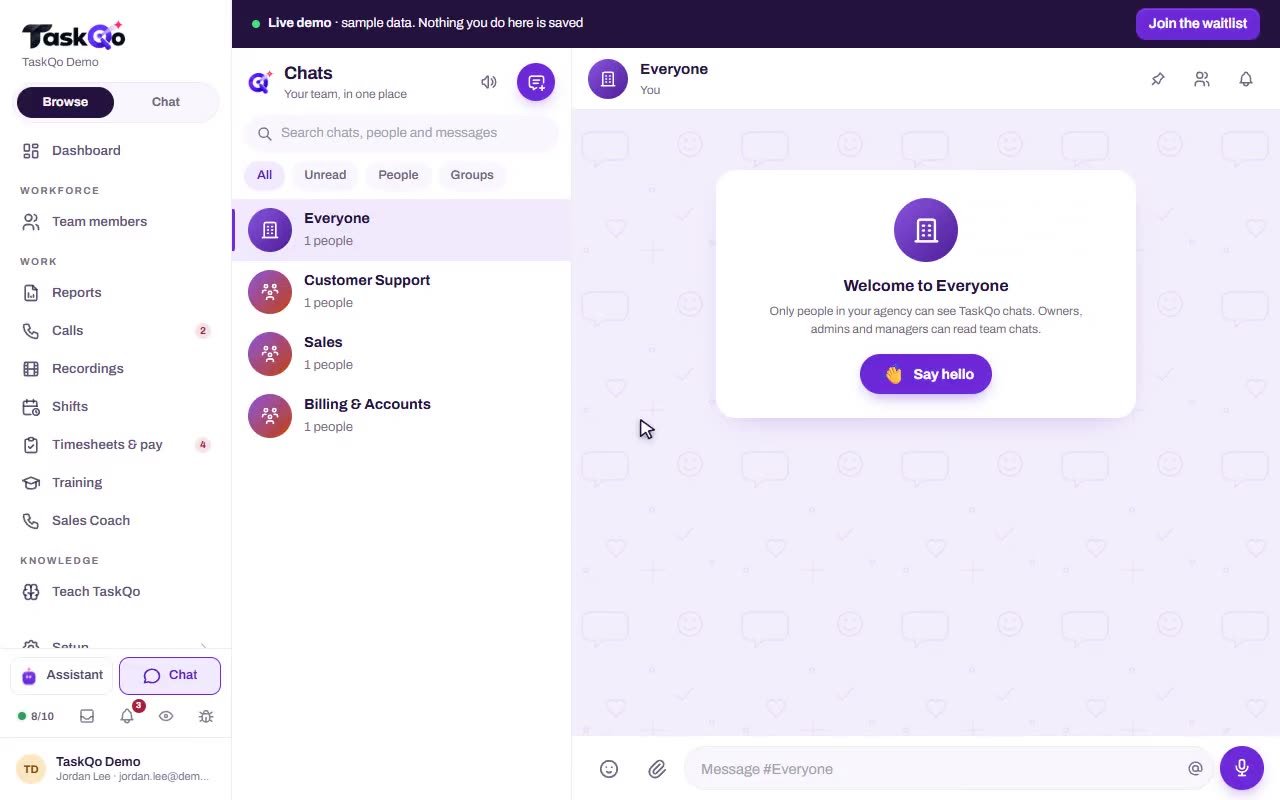
Team chat runs on the web and in the desktop app, with direct messages, groups and channels. Ticks show when a message is sent, delivered and read, and voice notes play at 1x, 1.5x or 2x.
When you want a picture of the week, ask the AI assistant in plain English. It answers from your team's TaskQo data and can write a summary for your managers.
- Photos and videos sent together, each with a caption
- Replies that quote the original message
- Files, pins, reactions and edits with history
Monitoring runs only inside scheduled shifts, and every team member can see the activity and performance data linked to them.
Questions
Does TaskQo capture anything outside working hours?
No. Nothing is captured until a shift starts, and capture stops when it ends and on every break. A fixed shift cannot start outside its scheduled window.
Can remote team members see their own data?
Yes. Every person has a self-view with the same timeline their manager sees, and their person report is shared with them too.
How do I know everyone has TaskQo installed?
Each team member's page shows whether the desktop app and browser extension are installed, which version they run and when TaskQo last heard from them.
Do state monitoring notices apply to remote team members?
For team members in New York, New York City, Connecticut, Delaware, Illinois, California and Colorado, TaskQo builds the state's notice from what you switched on, and each person signs it before tracking starts. Your organization stays responsible for its own policies.