
Key takeaways
- Time theft ranges from honest rounding to deliberate padding, so treat cases differently.
- Many causes are structural: vague schedules, manual timesheets and unfair idle rules.
- Prevention works best with clear shifts, open records and weekly approval.
- Review the evidence and talk to the person before deciding anything.
What counts as time theft in remote work?
Time theft is paid time that was not actually worked. In remote work it is harder to see than in an office, because nobody notices when someone leaves the desk, starts late or spends an hour on something unrelated.
The term sounds dramatic, and that is part of the problem. Much of what gets called time theft is honest error: rounding up a start time, forgetting to log a break, or a timer left running over lunch. A smaller share is deliberate, such as claiming hours that were never worked or using tools to look active while away.
Both matter. Honest errors add up across a team and can affect what you bill clients. Deliberate cases damage trust and are unfair to the people who work their full shift. But they call for very different responses, so the first step is always to find out which one you are looking at.
Why time theft is hard to spot remotely
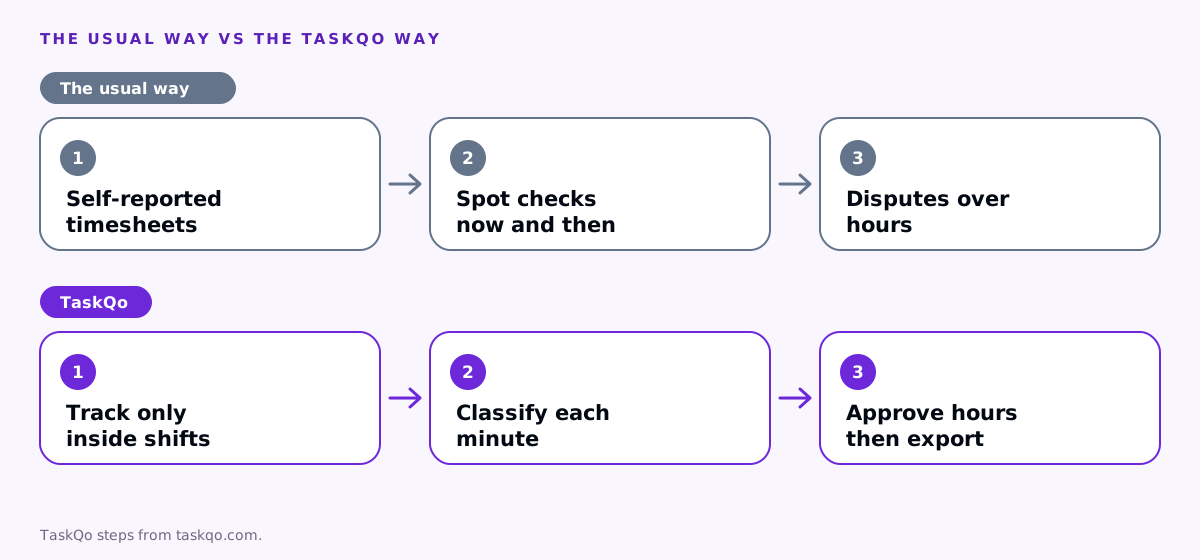
Many remote teams still rely on self-reported hours: a timesheet filled in at the end of the week, or a timer that people start and stop themselves. Managers check a few entries now and then and approve the rest. Problems surface only when a client questions an invoice or a colleague complains.
That approach puts managers in a bad position. Without evidence, every question about hours feels like an accusation, and every answer is one person's word against another. The result is either constant suspicion or no checks at all.
A better approach records work time from the start of a scheduled shift, shows what the time was spent on, and lets a manager approve hours with the evidence in front of them. Disputes then come down to a specific timestamp rather than a general feeling.
Consider a BPO agent whose client invoice shows a full week of hours. With a manual timesheet, the team lead has no way to tell whether a long Thursday afternoon was spent on the client's queue or elsewhere. With records from the shift itself, the lead can see what was on screen, confirm the hours, and answer the client with confidence.
Common forms of time theft
- Timesheet padding. Rounding start times earlier and end times later, or adding hours that were not worked. Common with manual timesheets.
- Buddy punching. A colleague clocks someone in or out. Remotely, this can look like a shared login or someone else starting a timer.
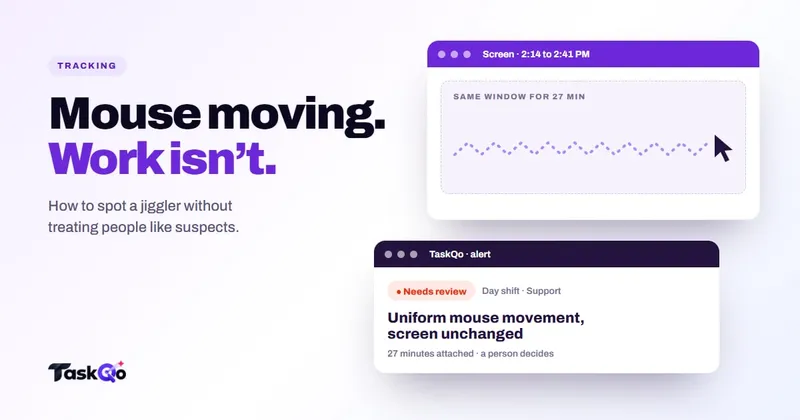
- Idle padding. Staying logged in while away from the desk, sometimes with a mouse jiggler to keep activity high. See how to detect mouse jigglers.
- Long breaks. Breaks that run well past the allowance without being recorded as breaks.
- Personal tasks on paid time. Extended time on personal browsing, shopping or side work during a shift.
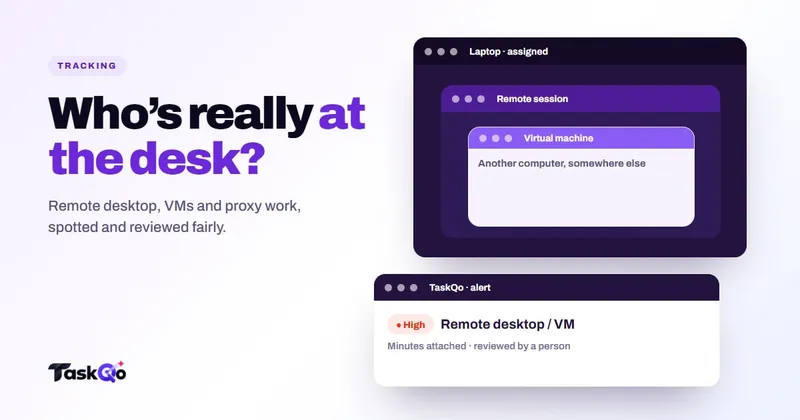
- Someone else doing the work. A shift driven from another machine through remote desktop, or work handed to a person who is not on the team. Our post on remote desktop and proxy work covers this risk.
Some of these are easy to spot with basic records. Others, like remote desktop sessions or jigglers, need tools that look beyond the timer.
Why time theft happens
It is tempting to treat time theft as a character problem. Sometimes it is. More often, the setup makes it easy, tempting or even feel justified.
- Vague schedules. When start and end times are loose, people round in their own favor without thinking of it as theft.
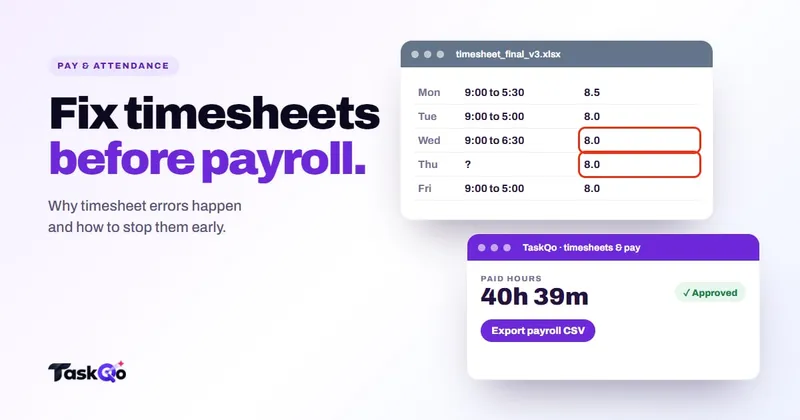
- Manual timesheets. Writing hours from memory at the end of the week invites errors in both directions.
- Unfair measurement. If calls or reading count as idle, people protect themselves with small fixes that then become habits.
- Unpaid extra work. When people stay late without it being recorded, some quietly take that time back elsewhere.
- Low engagement. Thin queues, unclear goals or little feedback make it easy to drift.
Fixing these causes prevents more time theft than any detection tool. It also makes the cases that remain much clearer.
How to prevent time theft without paranoia
- Set clear shifts. Fixed or flexible, but written down, with break allowances and how overtime is approved.
- Record time from the work, not memory. Tracking during scheduled shifts removes most rounding and forgotten breaks.
- Be open about monitoring. Tell people what is recorded and when, record their consent, and let them see their own data.
- Approve hours weekly. A short weekly check, with evidence for any odd days, catches problems while they are small.
- Pay for real extra time. If someone stayed on a call after their shift, add the time properly. People who are paid fairly have less reason to take time back.
- Review exceptions, not everyone. Look at unusual patterns, not every minute of every shift.
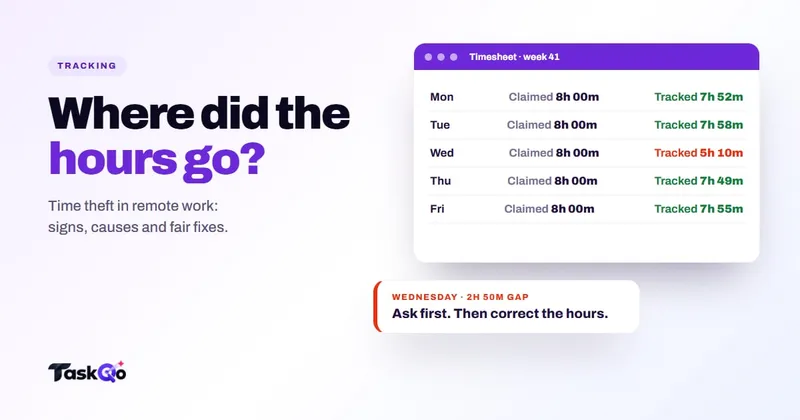
When something does look wrong, start with a question. Show the evidence, ask for context and listen. Then follow your written policy, applied the same way to everyone. Rules on pay and discipline differ by country and state, so check local law or ask counsel before changing anyone's pay.
How TaskQo helps prevent time theft
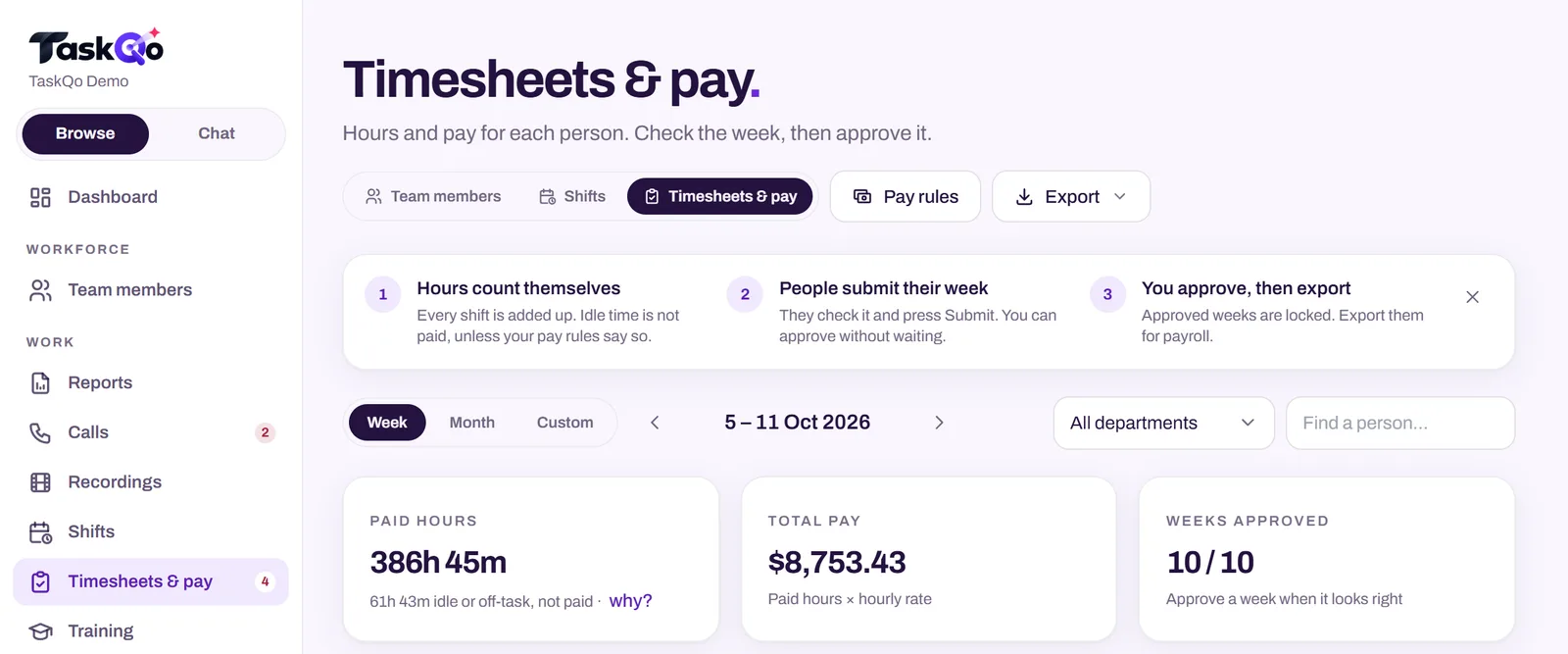
TaskQo monitors only inside fixed or flexible scheduled shifts, and capture is switched off outside them. Every tracked minute is classified as productive, unproductive or idle, and every result shows the screenshot and activity behind it, so hours are backed by evidence rather than memory.
Suspicious activity alerts cover patterns linked to mouse jigglers, remote-desktop sessions and virtual machines, plus long idle stretches. Each flag is reviewed by a person and never changes pay or scores on its own. When a dispute needs the full picture, TaskQo compiles one video per shift with chapters at flagged moments, so you can jump to the timestamp.
For pay, TaskQo calculates attendance, overtime, breaks and holiday pay from tracked work, with weekly approval before a payroll-ready export. Team members see their own timeline, the same one their manager sees. Try it in the live demo with sample data, or join the waitlist for early access.
Keep the focus on accurate time
The goal of preventing time theft is not to catch people out. It is to make sure paid time matches worked time, in both directions. That protects the business, the clients you bill and the team members who work their full shift and sometimes more.
A team that knows the rules, can see its own records and trusts the review process rarely needs heavy enforcement. When you find a real case, handle it calmly and consistently, then look at whether the setup made it easy. One fixed loophole often prevents the next ten cases.
It is also worth measuring the other side. Look for people who regularly work past their shift without recording it, or who skip breaks to clear a queue. Unrecorded extra work is a cost too, and it often turns into burnout or quiet resentment. Fair records protect people as much as they protect the business.
For related reading, see our guides to timesheet errors and tracking idle time fairly.
Comparing tools: TaskQo vs CurrentWare: endpoint control or agent performance? · TaskQo vs Monitask: screenshots and timesheets, or AI analysis?.
FAQ
What is time theft in remote work?
It is paid time that was not actually worked, such as padded timesheets, unrecorded long breaks, staying logged in while away or having someone else do the work.
How do you prove time theft?
Look for evidence over several shifts, such as screen activity, work output and records of breaks, then ask the person for context. A single flag or quiet stretch is not proof.
Is idle time considered time theft?
Not on its own. Short idle gaps are normal, and calls or reading often look idle to trackers. It becomes a concern when long, repeated stretches are claimed as work.
How can you prevent buddy punching on remote teams?
Use individual logins, record time from the person's own device during their scheduled shift, and review alerts for unusual sessions such as remote desktop from another machine.
About this guide: written by the TaskQo team. We make TaskQo, a tool that analyzes work inside scheduled shifts, so we mention it where it fits. The advice here works with any tool. Rules on workplace monitoring differ by country and state, so check local law before you change a policy. Questions or corrections: admin@taskqo.com.