
Key takeaways
- Remote desktop and VM use is often legitimate, so a signal is a question, not a verdict.
- Proxy work is a headcount and data risk for BPOs, because clients pay for the people they vetted.
- Write the policy first, then look for signals, then review with the person before acting.
- Keep evidence tied to the exact minutes, so disputes end with a timestamp instead of an argument.
Why remote desktop and proxy work matter to BPOs
If you run a remote support desk or a BPO, you probably want to detect remote desktop work for one simple reason: your client is paying for a specific, vetted person on a specific, approved device. When the shift is actually being driven from somewhere else, that promise breaks.
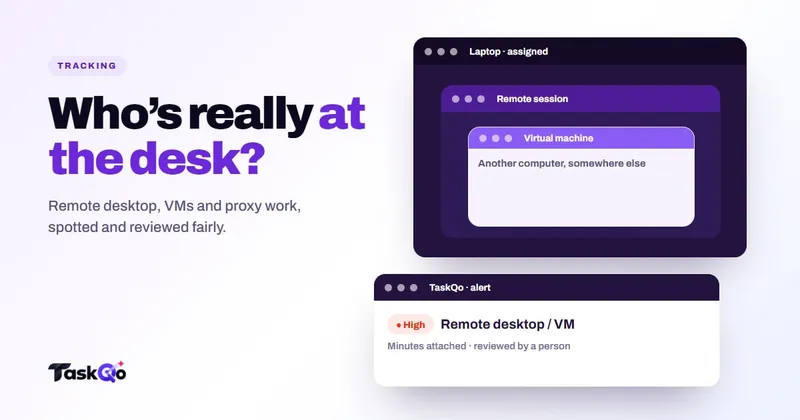
There are three setups managers usually worry about. An agent connects to the work laptop from a second computer using a remote desktop tool. An agent runs the work environment inside a virtual machine (VM). Or, in the worst case, someone else does the work entirely, which is often called proxy work or subcontracting a seat.
Each of these carries a different risk. Remote access can expose customer data on an unmanaged home machine. A VM can hide what else is running on the host. Proxy work means a person your client never screened is reading their customers' records, and the headcount you bill for is not the headcount doing the job.
None of this means your team is full of cheats. Most people log in, do the work and log out. But because the stakes are contractual and involve customer data, it is worth having a clear, fair way to notice these patterns.
How do teams usually find remote desktop or VM use?
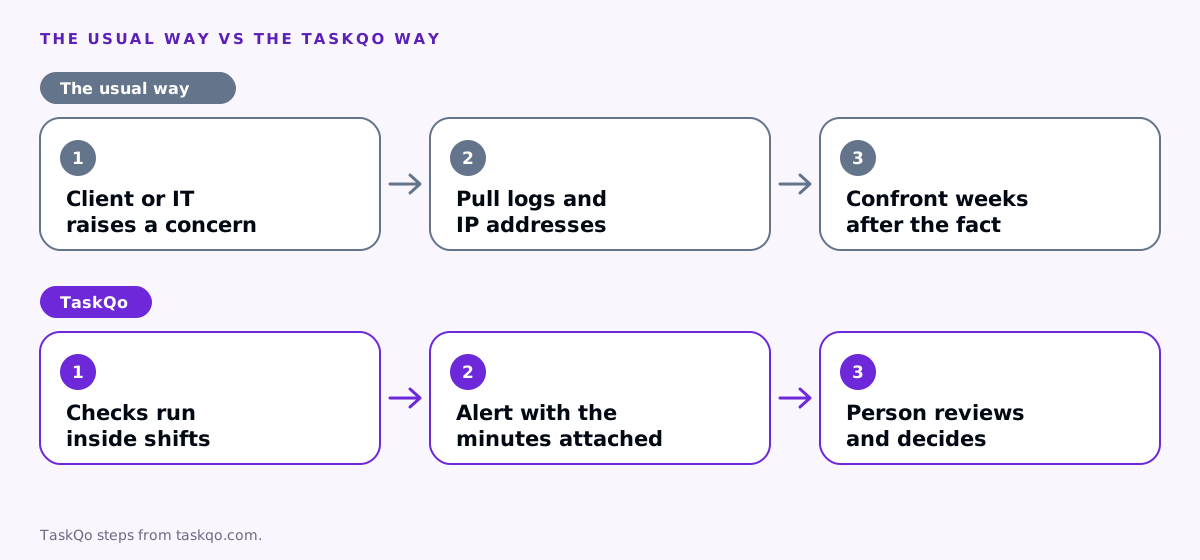
Most teams find out by accident. A team lead notices that an agent's screen looks oddly scaled in a screen share, or IT spots a remote access tool in a software inventory, or a client complains that the voice on a call does not match the person they interviewed.
The manual route then looks like this: someone pulls login logs, checks IP addresses, asks IT to look at the device, and tries to line it all up against the schedule. It is slow, it happens weeks after the fact, and it tends to start from suspicion rather than evidence.
A better approach is to agree in advance which signals matter, check them continuously during shifts only, and send anything unusual to a person for review. That way you catch patterns early and you treat everyone the same way.
Signals worth watching (and their innocent explanations)
No single signal proves anything. Treat each one as a reason to look closer, and always write down the most likely honest explanation next to it.
- A remote desktop session from another machine. Honest reasons: IT support connected to fix something, or the agent was approved to use a jump host. Check your support ticket log first.
- A virtual machine environment. Honest reasons: some clients require work inside a VM or virtual desktop for security. Confirm which accounts use one by design.
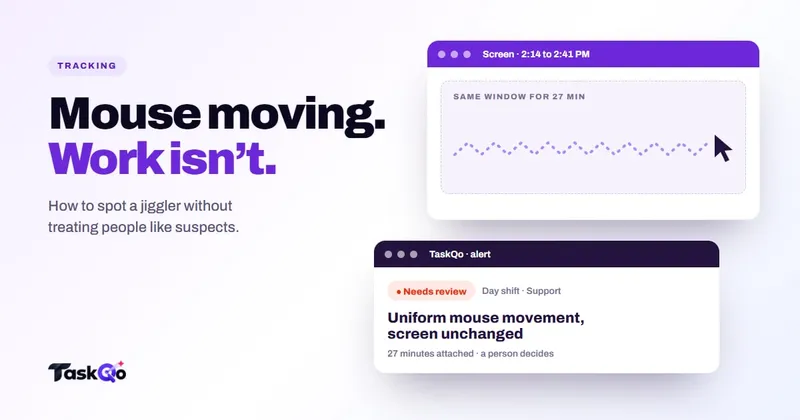
- Input that does not look like a person. Perfectly regular mouse movement with a frozen screen can mean a jiggler or an automation tool. Honest reasons are rarer here, but accessibility software can produce unusual input too.
- A change in working style. Very different typing pace, different apps, different hours or a different voice on calls. Honest reasons: a new client queue, a new headset, a new schedule.
- Logins from unexpected places. Honest reasons: travel, a VPN, a home internet change.
The pattern matters more than any one item. A single remote session during an IT ticket is noise. Remote sessions every afternoon, from the same second machine, on a person who was never approved for remote access, deserve a conversation.
Write the policy before you go looking
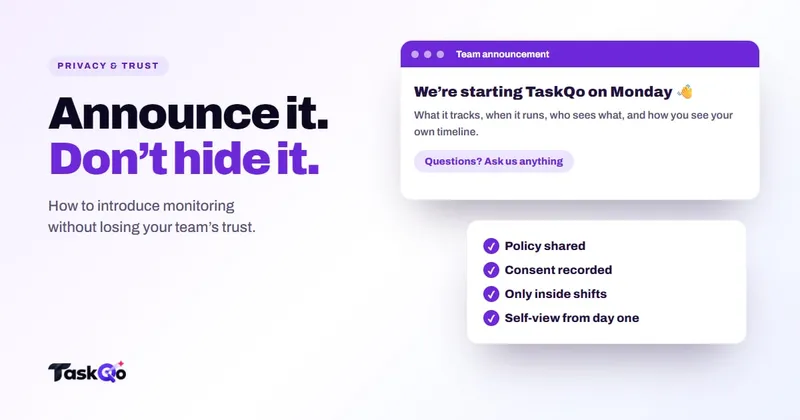
You cannot fairly flag something people did not know was off limits. Before you start checking for these setups, put the rules in writing and share them with the team.
- Which devices are approved for work, and whether personal machines may connect to them.
- Whether remote access tools are allowed, and who approves exceptions.
- Which client accounts require a VM or virtual desktop by design.
- That the seat belongs to the person hired for it, and sharing or subcontracting it is not allowed.
- What happens when something is flagged: who reviews it, how the person is asked, and how they can explain.
Rules about monitoring and device checks differ by country and state, so check local law or ask counsel before you roll out any detection. Being open about what you check is also simply good practice. People who know the rules rarely test them, and people who are flagged under a known rule are far less likely to feel ambushed.
A fair review process, step by step
The goal of review is to find out what happened, not to confirm a hunch. A simple process keeps it consistent:
- Collect the evidence for the exact minutes. What was on screen, what the activity looked like, which device was involved and when.
- Check the honest explanations first. Was there an IT ticket? Is this account set up to run inside a VM? Was the person travelling?
- Ask the person, neutrally. Something like: we saw a remote session on your shift at 1 PM from another computer, can you help us understand it? Many cases end here.
- Decide, and record why. Clear it with a reason, or agree a next step. Write the decision down so the next reviewer sees the history.
- Escalate only with a pattern. One unexplained event is a coaching moment. Repeated, unexplained events after a clear conversation are a performance or contract issue for HR.
Never cut pay, change a score or end a contract on an automated flag alone. A person should look at the evidence and talk to the agent first.
Prevention beats detection
Detection catches problems after they happen. A few habits make them less likely in the first place.
- Make the work visible to the person doing it. When agents can see their own timeline, the same one their manager sees, there is less temptation to game it and less fear of being misjudged.
- Meet people on video now and then. Regular one-to-ones and team calls make it obvious who is actually in the seat.
- Give a legitimate path. If someone needs to work from a second machine for a while, let them ask. Approved exceptions are easy to clear in review.
- Talk about why it matters. Explain the client contract and the customer data at stake. Most people respect a rule once they understand it.
If you are also worried about inflated activity, our guide on how to detect mouse jigglers covers that side of the problem.
How TaskQo handles remote desktop and VM alerts
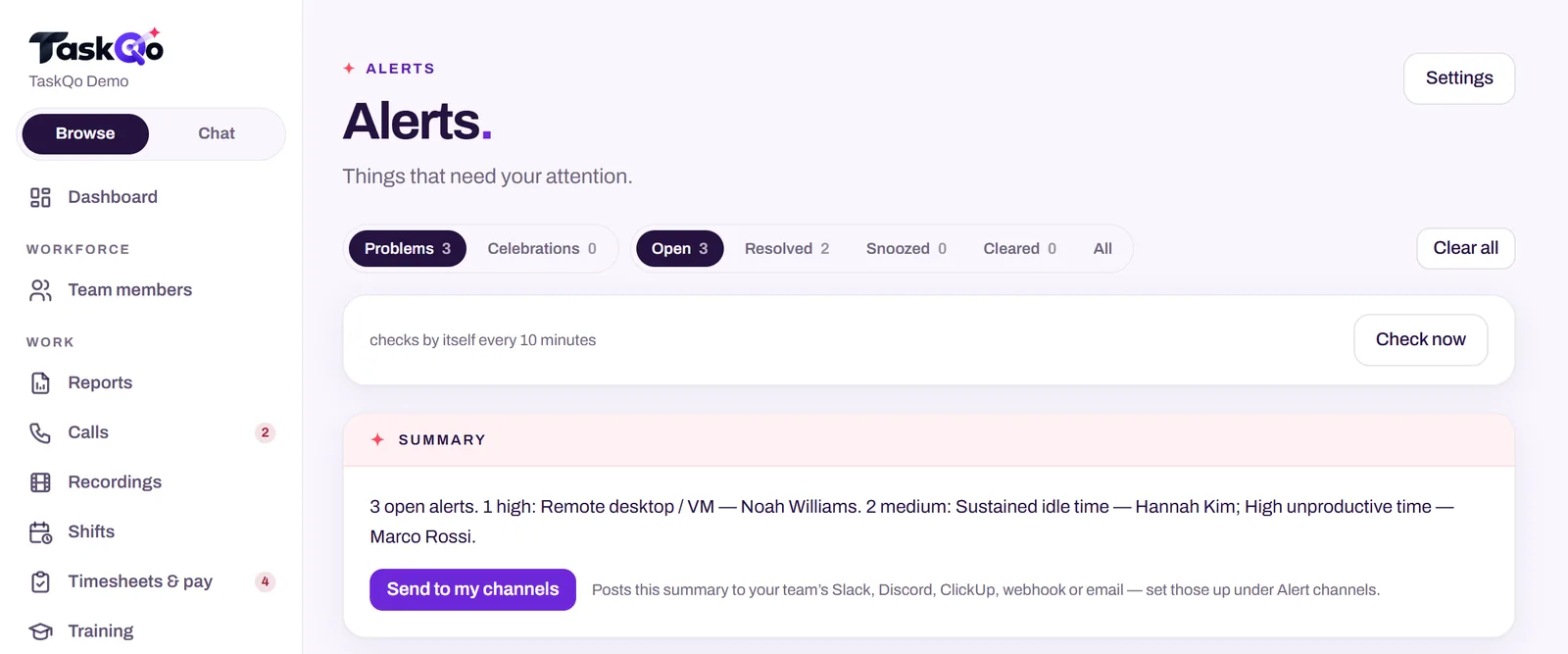
TaskQo runs suspicious activity checks during scheduled shifts only. It looks for activity patterns linked to mouse jigglers, remote desktop sessions, virtual machines, long idle stretches and other exceptions, and every alert is reviewed by a person.
An alert reads like a plain note, for example a remote desktop session from a second machine at a specific time, with the minutes attached. The manager confirms it was the agent, or asks. A flag never changes pay or scores on its own, and decisions stay human, with the reason logged when a flag is cleared.
When you need the full picture, TaskQo compiles one video per shift with chapters at flagged moments, so you can jump straight to the remote session instead of watching hours of footage. Team members see their own timeline too, which keeps the review honest on both sides.
Want to see how an alert looks with real evidence attached? Explore the live demo with sample data, or join the waitlist for early access.
Comparing tools: TaskQo vs Teramind: performance monitoring or insider-risk security? · TaskQo vs CurrentWare: endpoint control or agent performance?.
FAQ
Can you tell if someone is using remote desktop to work?
Often yes. Monitoring and IT tools can show remote sessions and which machine they came from. Treat the signal as a question for review, because IT support and approved access are common honest reasons.
Is it a problem if an agent works inside a virtual machine?
Not always. Some clients require a VM or virtual desktop for security. It becomes a concern when a VM is used without approval or seems to hide other activity.
What is proxy work in a BPO?
Proxy work is when someone other than the hired and vetted person does the work on their account. It is a risk because the client never screened that person and they may access customer data.
Should I fire someone for a remote desktop flag?
No action should rest on a flag alone. Review the evidence, check honest explanations, and talk to the person. Check local law or ask counsel before any disciplinary step.
About this guide: written by the TaskQo team. We make TaskQo, a tool that analyzes work inside scheduled shifts, so we mention it where it fits. The advice here works with any tool. Rules on workplace monitoring differ by country and state, so check local law before you change a policy. Questions or corrections: admin@taskqo.com.