
Key takeaways
- Tell people before anything is captured, and explain why in plain words.
- Be specific about what is captured, when, who can see it and how long it is kept.
- Record consent and give every team member a view of their own data.
- Start with one team, listen, adjust, then expand.
Why the rollout matters as much as the tool
When managers ask how to introduce monitoring to their team, they are usually worried about one thing: that the team will feel watched and distrusted. That risk is real, and it comes mostly from how monitoring is announced, not from the software itself.
Monitoring that appears without warning, captures more than people expected, or produces scores nobody can explain will damage trust quickly. Monitoring that is announced in advance, limited to work time and visible to the people it is about tends to be accepted, and sometimes welcomed by those who felt their work was invisible.
This guide is a practical plan for a BPO, call center or support desk. It assumes you want open monitoring, never secret monitoring.
How do teams usually introduce monitoring?
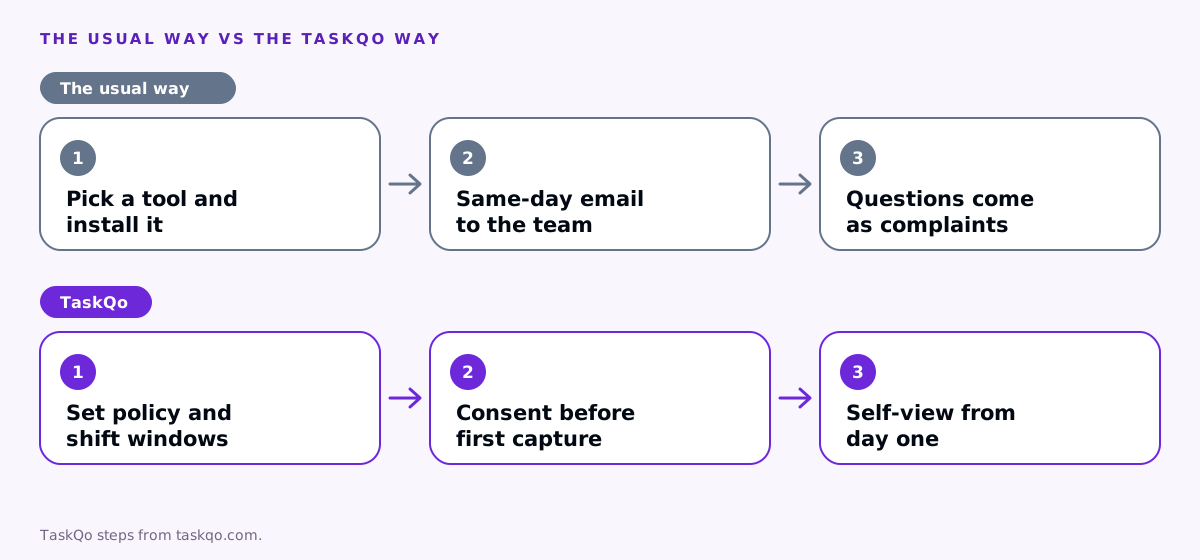
Too often, the process is: someone in operations picks a tool, IT installs it, and a short email goes out on the same day. People find out what is captured by noticing it, and the questions arrive as complaints.
A better process takes a little longer and saves a lot of friction. Decide what you need and why, tell people before anything is captured, record their consent, show them their own data from day one, and review how it is going after a few weeks.
It also helps to involve a few team members early. Ask two or three experienced agents to read the draft policy and tell you what sounds unclear or worrying. Their questions will be the same ones the rest of the team asks later, and their support carries more weight with colleagues than any announcement from management. The rest of this guide walks through those steps.
Step 1: decide what you need and why
Before you announce anything, be clear about the problem you are solving. Common reasons in our world:
- Proving work to clients who pay for agent time.
- Finding coaching moments on customer calls.
- Getting accurate hours for payroll and overtime.
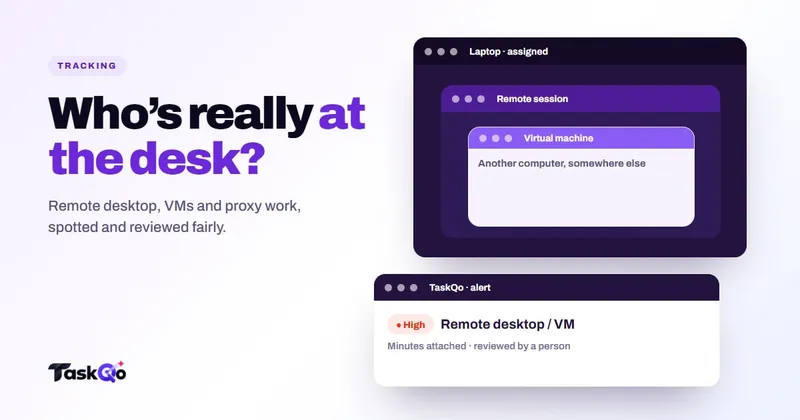
- Spotting unusual activity like jigglers or remote desktop sessions.
Then capture only what serves those reasons. If you do not need typed text, leave it off. If you do not need screen video, do not record it. Decide how long data is kept and who can open it. Rules on workplace monitoring and consent differ by country and state, so check local law or ask counsel before you finalize the policy.
Step 2: announce it openly and early
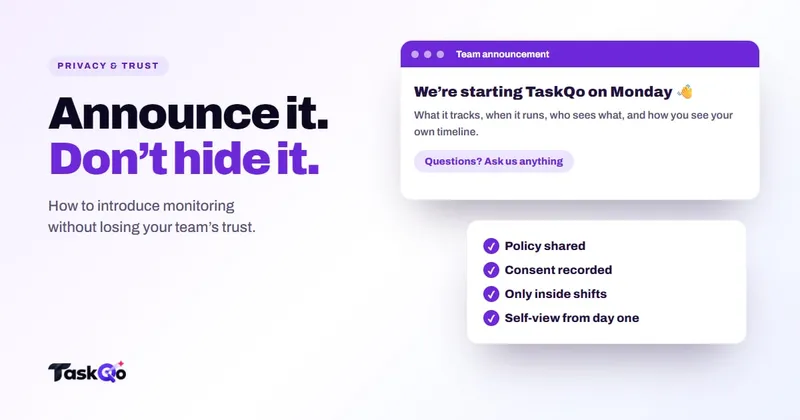
Tell the team before anything is installed, ideally in a live meeting followed by a written policy. Cover these points in plain language:
- Why you are introducing it, tied to the reasons above.
- What is captured, for example one screenshot per minute and activity levels, and what is not.
- When capture runs. Only during scheduled shifts is the fairest answer.
- Who can see the data, and that each person can see their own.
- How results are used, and that a flag is reviewed by a person and never changes pay or scores by itself.
- How long data is kept and how people can ask questions or request a correction.
Give people time to read the policy and ask questions before the start date. Team leads should hear it first, so they can answer questions confidently.
Step 3: record consent and give self-view
Ask each person to read and accept the monitoring policy before capture starts, and keep a record of who accepted which version and when. If the policy changes, ask again.
Then give everyone access to their own data. Self-view is one of the strongest trust tools you have. When an agent can open their own timeline and see exactly what their manager sees, including why a minute was labeled the way it was, monitoring stops being a black box. It also catches mistakes early, because the person who did the work is the best judge of whether a label is right.
Make it easy to raise a correction, and make sure corrections are actually made. Our post on monitoring without micromanaging covers how to use the data day to day.
Step 4: answer the questions your team will ask
Prepare short answers to the questions people almost always raise:
- Are you reading my keystrokes? Say clearly whether typed text is captured. If it is off, say so.
- Is it on when I am off shift? The answer should be no.
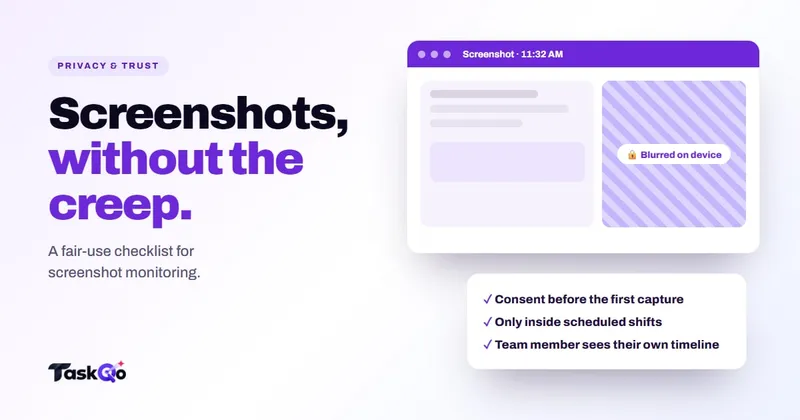
- Will you see my bank or medical sites? Explain any blurring or redaction, and ask people to keep personal browsing off work devices where possible.
- Can a computer decide I am not working? Explain that people review flags and that results can be corrected.
- Who else sees this? Name the roles, and say whether clients see any of it.
For more on screenshot privacy, see our guide on screenshot monitoring privacy.
Step 5: start small, then review and adjust
Do not switch monitoring on for the whole company at once. Start with one team, ideally one with a lead who is open to the idea and willing to give honest feedback.
After the first few weeks, run a short review. Useful questions:
- Did the data help with the reasons you set out at the start, such as client reporting, coaching or payroll?
- Which labels or flags were corrected most often, and why?
- What did team members ask about, and were the answers clear?
- Is anything being captured that nobody has used? If so, consider turning it off.
- Did any flag lead to action without a person reviewing it first? If so, fix the process.
Share what you learned with the team, including the changes you made because of their feedback. Nothing builds trust in monitoring faster than people seeing their concerns lead to real changes.
Then expand one team at a time, using the first team's lead as a reference for others. Keep the policy, the consent record and the settings under review at least once a year, and every time you add a new kind of capture. If a client asks for reports, agree in writing what they will see, and tell the team before the first report goes out.
How TaskQo supports an open rollout
TaskQo is built for transparent monitoring. You define monitoring periods and policies, consent is recorded before the first capture, and the consent record is exportable, including which policy version each person accepted and when.
Capture runs only inside fixed or flexible scheduled shifts and is switched off outside them. Typed-text capture is off by default, sensitive screens can be kept only as a general description, and the tracker bubble can show a small camera each time a screenshot is taken, so people always know. Capture settings can be set for everyone, a department or one person, and recordings are kept on the retention schedule you set.
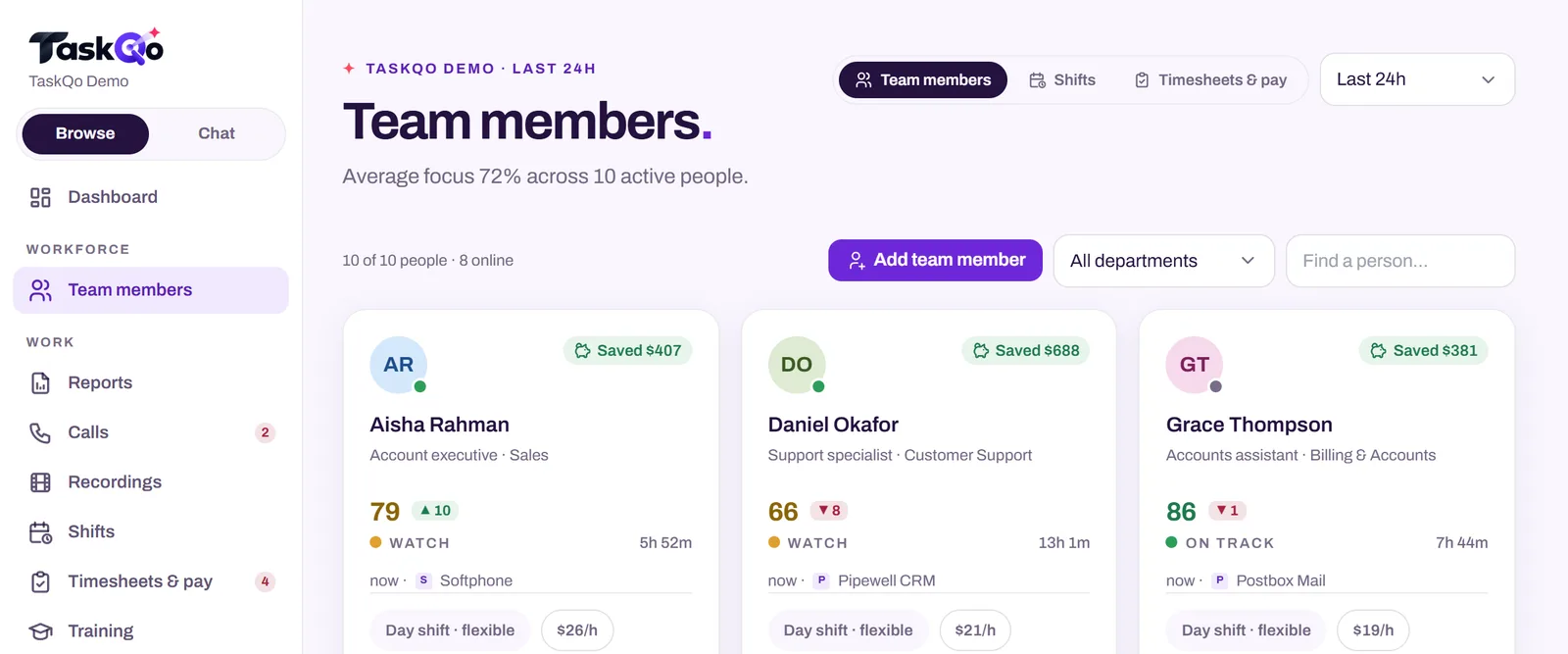
Every team member has a self-view with the same timeline their manager sees, including the reason behind each classification. Managers can correct a classification in one click, and every change is logged. You can start with one department and expand from there.
See the self-view and privacy settings in the live demo, or join the waitlist for early access.
Comparing tools: TaskQo vs Teramind: performance monitoring or insider-risk security? · TaskQo vs Kickidler (KeepActive): an honest comparison.
FAQ
How do you tell your team you are monitoring them?
Announce it before anything is captured, in a meeting and in writing. Explain why, what is captured, when, who can see it, how it is used and how long it is kept.
Do I need consent to monitor my team?
Rules differ by country and state, so check local law or ask counsel. Recording consent before capture starts is good practice either way.
Should team members be able to see their own monitoring data?
Yes. Self-view builds trust, helps people understand how results are produced and catches wrong labels early.
What should a workplace monitoring policy include?
The purpose, what is and is not captured, when capture runs, who can see the data, how flags are reviewed, how long data is kept and how to request a correction.
About this guide: written by the TaskQo team. We make TaskQo, a tool that analyzes work inside scheduled shifts, so we mention it where it fits. The advice here works with any tool. Rules on workplace monitoring differ by country and state, so check local law before you change a policy. Questions or corrections: admin@taskqo.com.