
Key takeaways
- Start from outcomes, and use activity data to explain them, not replace them.
- Tell people exactly what you monitor, when and why.
- Give everyone a view of their own data, the same one you see.
- Review on a set rhythm and focus on exceptions, not constant watching.
What micromanaging looks like on a remote team
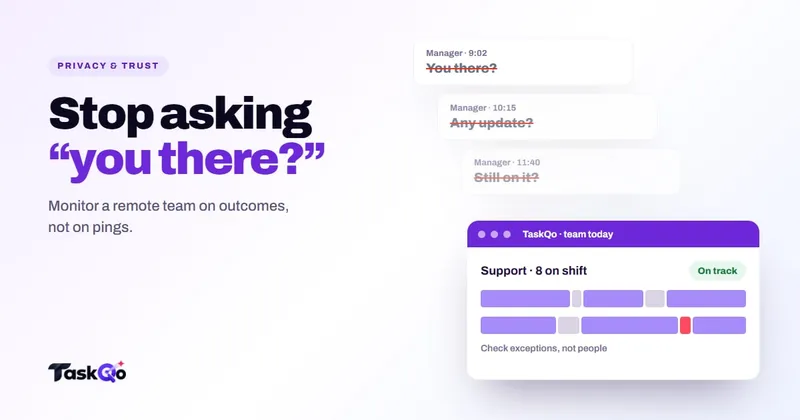
Most managers who want to monitor remote team members without micromanaging already know what they want to avoid. It is the constant "just checking in" message, the screenshot folder opened every hour, the status dot watched like a heartbeat monitor.
Micromanaging remotely usually starts from a real worry. You cannot see people at their desks, a client is asking for proof of hours, or one person's numbers have dropped. Without a better source of information, managers fill the gap with frequent check-ins and close watching.
The cost is high on both sides. Team members spend time proving they are busy instead of being useful, and good people leave. Managers spend hours reviewing activity that tells them very little. The aim is not less oversight but better oversight: fewer interruptions, clearer evidence and more trust.
Monitoring versus micromanaging
The difference is not whether you collect data. It is what you do with it, how often and how openly.
- Monitoring sets clear expectations, collects evidence during working hours, reviews it on a schedule and acts on patterns.
- Micromanaging watches in real time, asks for updates that the data already answers, and reacts to single moments.
A simple test helps. If a team member would be surprised by what you are looking at, or by how often you look, you have probably slipped toward micromanaging. If they know the rules, can see the same data and only hear from you when something stands out, you are monitoring.
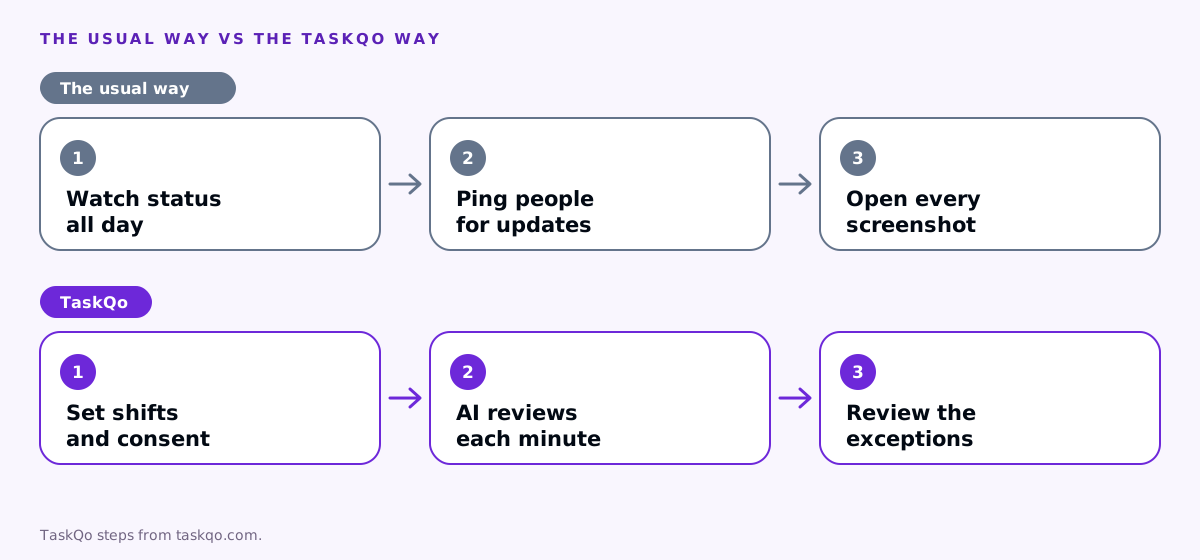
Tools matter too. A tool that gives you raw screenshots and activity percentages pushes you to review everything yourself. A tool that summarizes the work and surfaces exceptions lets you step back.
Start with outcomes, then look at activity
Before you look at any activity data, agree on what good work looks like for each role. For a support desk it might be tickets resolved and customer feedback. For a sales team it might be calls made, conversations held and deals moved. For a BPO it might be the targets in each client contract.
When outcomes are clear and on track, you rarely need to look deeper. Activity data becomes useful when an outcome slips. Then it helps you understand why: was the queue thin, was the person stuck on one hard case, were they pulled into training, or was time going elsewhere?
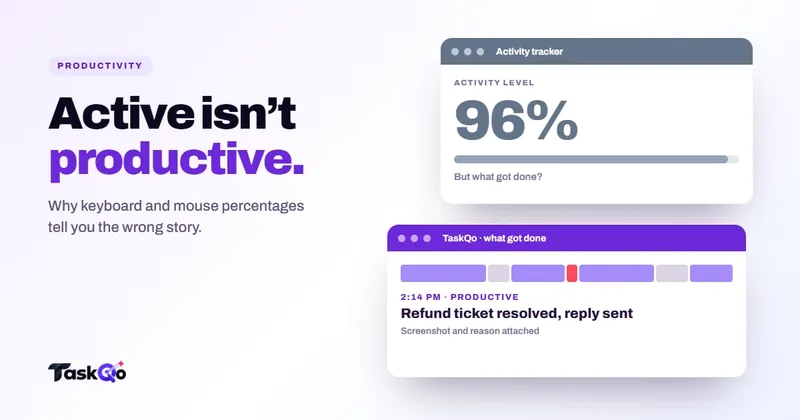
Used this way, monitoring supports a coaching conversation rather than replacing it. It also keeps you away from the trap of scoring people on keyboard and mouse percentages, which our post on why activity percentage misleads explains.
Be open about what you monitor
Secret monitoring destroys trust the moment it is discovered, and it usually is. Open monitoring works better and is easier to defend.
- Write a short policy. What is captured, when, who can see it, how long it is kept and how it is used.
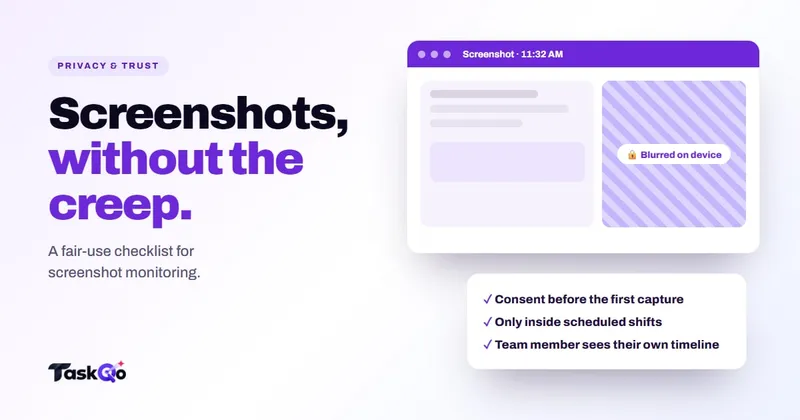
- Record consent. Ask people to read and accept the policy before monitoring starts, and keep a record.
- Monitor only during work. Limit capture to scheduled shifts. Nothing outside working hours should be collected.
- Protect sensitive information. Turn off what you do not need and blur sensitive screens where you can.
- Explain how decisions are made. Make it clear that flags are reviewed by a person and are never treated as proof on their own.
Rules about workplace monitoring differ by country and state. Check local law or ask counsel before you start, and update the policy if the rules change.
Let people see their own data
Self-view is one of the most effective ways to reduce the feeling of being watched. When team members can see the same timeline and reports their manager sees, monitoring stops being something done to them and becomes a shared record.
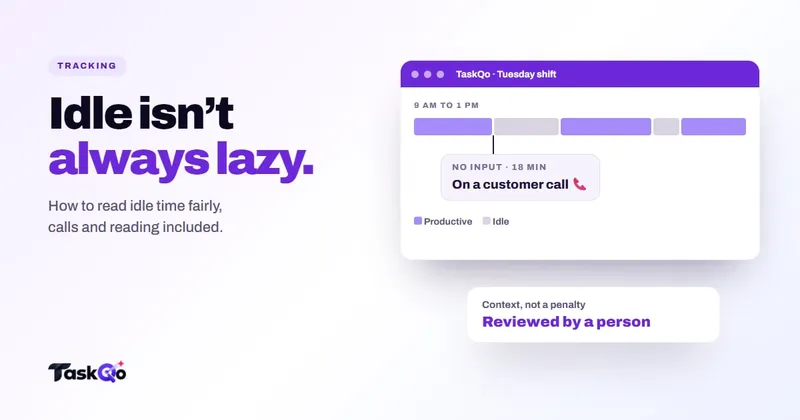
It also improves the data. People spot mistakes quickly, such as a call marked as idle or a client account tagged wrongly, and can raise them before they turn into a dispute. Many people use their own data to manage their day, noticing when afternoons drift or when one task eats more time than expected.
Pair self-view with an easy way to question a reading. If the only route is a formal complaint, people will stay quiet and resent it. A simple "this looks wrong" note keeps the record accurate and the relationship healthy.
Set a review cadence instead of watching all day
Micromanaging often comes down to timing. Looking at live activity throughout the day invites reactions to moments that do not matter. A steady review rhythm works better.
- Daily: a quick scan of exceptions, such as unusual activity, long idle stretches or missed shifts.
- Weekly: a review of outcomes, workload and call quality per person, plus approval of hours.
- Monthly: trends by team and client account, and one or two coaching priorities per person.
Outside those moments, leave people to work. If something urgent comes up, an alert should bring it to you rather than you hunting for it. Share the cadence with the team so they know when to expect feedback.
Signs you have slipped into micromanaging
Even with good intentions, it is easy to drift. Watch for these signs in your own habits:
- You check live activity several times a day without a specific reason.
- You ask people what they are working on when the answer is already in the data.
- You raise single quiet minutes instead of patterns across shifts.
- You treat a flag or a low number as a conclusion rather than a question.
- Your strongest people stop volunteering for hard cases because those cases look bad in the numbers.
If several of these sound familiar, step back to your review cadence and your outcome measures. Ask the team directly how the monitoring feels and what would make it more useful. People are usually honest when they see you mean to act on the answer.
It also helps to check your own workload. Managers who micromanage are often stretched thin, with too many direct reports or too little time for one-to-ones. Better tooling and a clearer rhythm free up the time that close watching was eating.
How TaskQo supports monitoring without micromanaging
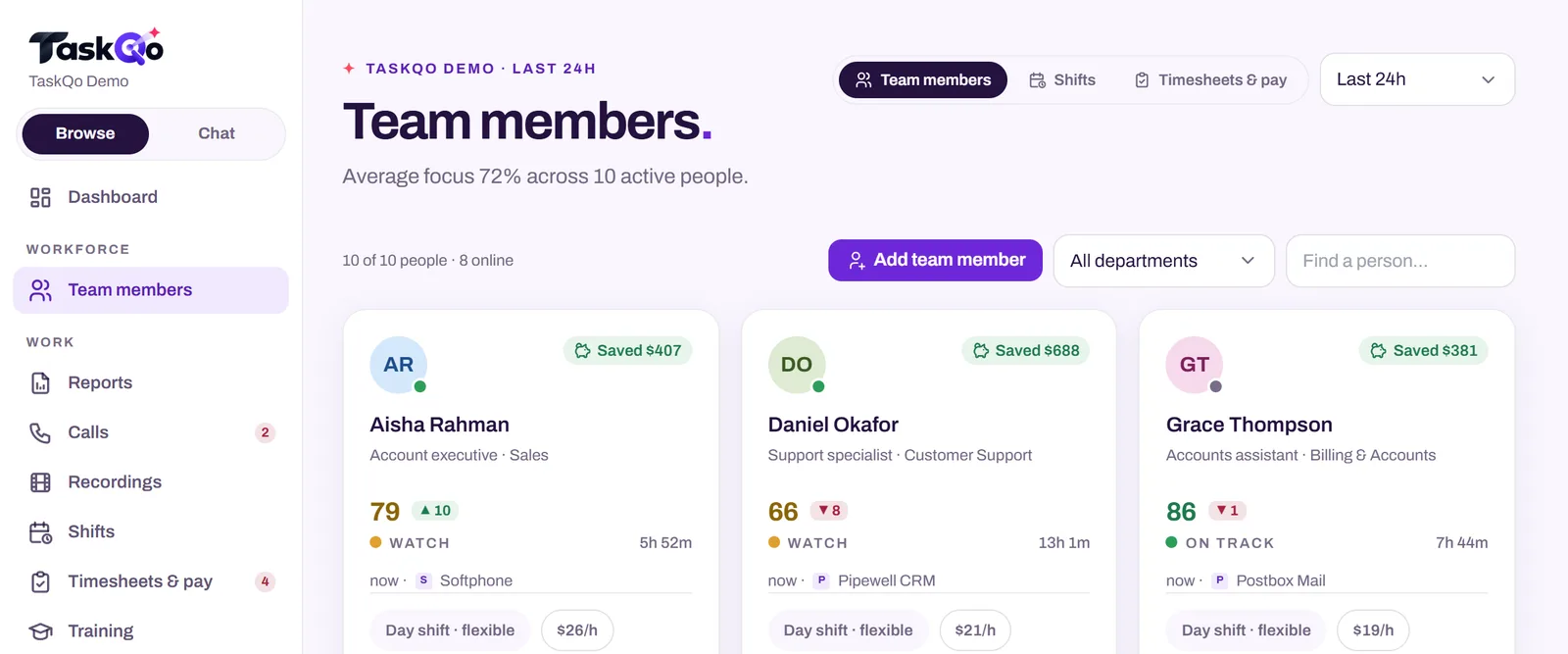
TaskQo is built for open, scheduled monitoring. Monitoring runs only inside fixed or flexible scheduled shifts, consent is recorded before the first capture, and every team member has a self-view with the same timeline their manager sees, including the reason behind each classification.
Instead of a screenshot folder, TaskQo classifies every tracked minute as productive, unproductive or idle, with the screenshot and activity behind it. It brings unusual minutes to the top so review time goes to the exceptions. Suspicious activity alerts are reviewed by a person and never change pay or scores on their own. Managers can also ask the AI assistant what is happening across the team and get answers with the minutes cited.
Reports by person, department and client account cover productivity, workload and call quality, so you can know work gets done without checking in. See it with sample data in the live demo, or join the waitlist for early access.
Comparing tools: TaskQo vs Controlio: video monitoring or explained minutes? · TaskQo vs ActivTrak: workforce analytics or minute-by-minute evidence?.
FAQ
How do you monitor remote workers without micromanaging?
Agree on outcomes first, tell people exactly what is monitored and when, give them a view of their own data, and review on a set schedule focused on exceptions rather than watching live.
Is it okay to monitor remote team members?
Many organizations do, but rules differ by country and state. Be open about it, record consent, limit monitoring to working hours and check local law or ask counsel.
How often should managers check in with remote teams?
A short daily look at exceptions, a weekly review of outcomes and hours, and a monthly look at trends works for many teams. Avoid constant status checks that the data already answers.
Does monitoring hurt trust?
Secret or constant monitoring usually does. Open monitoring with clear rules, self-view and human review of flags is far more likely to be accepted.
About this guide: written by the TaskQo team. We make TaskQo, a tool that analyzes work inside scheduled shifts, so we mention it where it fits. The advice here works with any tool. Rules on workplace monitoring differ by country and state, so check local law before you change a policy. Questions or corrections: admin@taskqo.com.