Who wrote this: the TaskQo team. We make TaskQo, so read this as our view. We checked ActivTrak's public website on October 12, 2026 and link every source at the end. Products change quickly: if something here is out of date, email admin@taskqo.com and we will fix it.
Quick verdict
Choose ActivTrak if you want company-wide analytics on focus, workload and collaboration with a light touch. Choose TaskQo if you manage agents whose work you need to verify, explain to clients and coach, including on calls.
Choose TaskQo if
- You need evidence, a screenshot and a reason, behind each result, not only trends
- Your agents take calls and you want QA scores and coaching notes
- You need payroll-ready hours from tracked shifts
Choose ActivTrak if
- You want broad analytics on workload balance, focus and collaboration time
- You prefer no screenshots at all by default
At a glance
| Feature | TaskQo | ActivTrak |
|---|---|---|
| Best for | BPOs, call centers, support and sales teams that need to know what got done, not just hours | HR, operations and IT leaders analysing office, remote and hybrid workforces |
| How work is classified | Every tracked minute is labelled productive, unproductive or idle. Clear-cut work is classified from the app in focus; AI vision reviews the rest. Each result shows its screenshot and a one-line reason | Automatic activity tracking; admins classify apps and websites as productive, unproductive or leave them undefined. Undefined time is excluded from productivity |
| Screenshots and video | One screenshot per tracked minute; optional screen video compiled into one replay per shift, with chapters at flagged moments | No screenshots on core plans; screenshots only through the Screen Details add-on, with redaction of sensitive fields. No video listed |
| Call recording and QA | Yes. Records both sides of supported calls and meetings during shifts; one-click speaker-labelled transcript in 39 languages, QA score and coaching notes | Not listed |
| Shifts, attendance and pay | Fixed or flexible shifts, leave, holidays, overtime and breaks; hourly and salary pay with deductions; weekly approval; payroll-ready CSV and timesheet PDF | Schedule adherence, break identification, configurable schedules, workload balance. No payroll listed |
| Privacy and self-view | Consent recorded before the first capture; capture only inside shifts; every team member has a self-view with the same timeline as their manager; sensitive screens kept only as a general description | Personal Insights let team members see their own data; role-based access; screenshot redaction; HIPAA, GDPR, CCPA and SOC 2 Type 2 listed |
| Mouse jigglers and other cheating | Flags patterns linked to mouse jigglers, remote-desktop sessions and virtual machines, with the minutes attached. A person decides; a flag never changes pay or scores | Active, passive and inactive time; no mouse-jiggler detection listed |
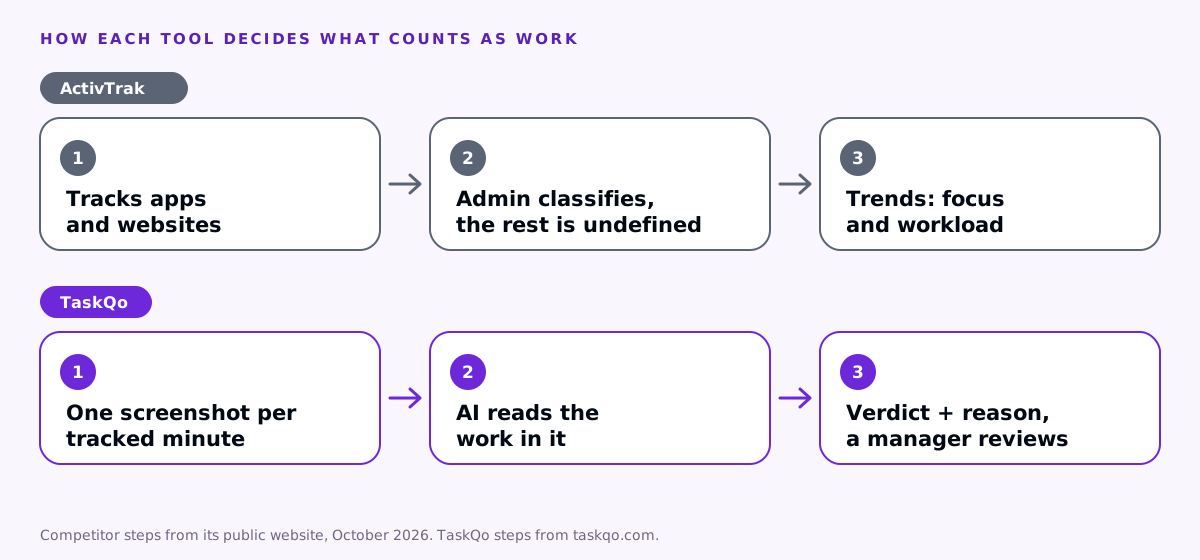
How each tool decides what counts as productive
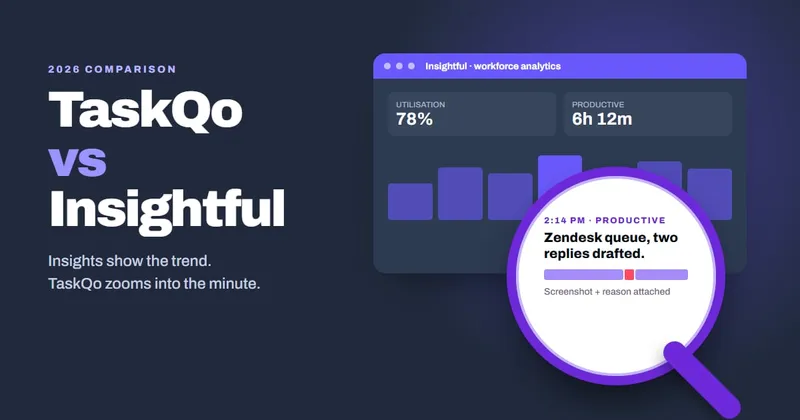
ActivTrak tracks app and website use automatically and lets admins label each one productive or unproductive. Anything left undefined is excluded from productivity and shown in a pending list for someone to classify. The output is strong at the trend level: focus time, utilisation and workload balance across teams.
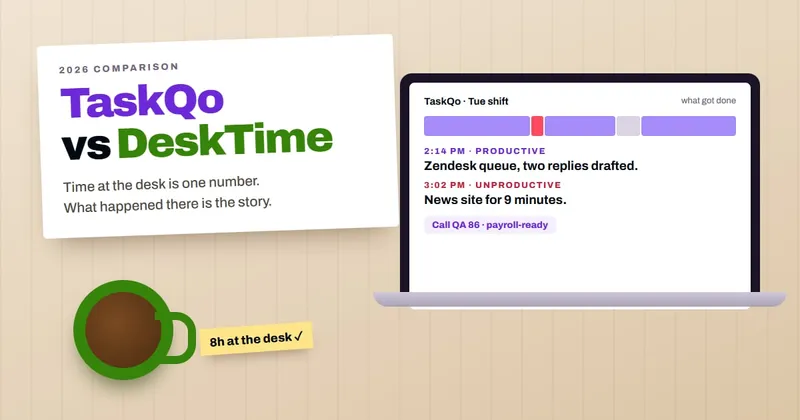
TaskQo answers a different question: what happened in this minute, and can I see it? Every tracked minute is labelled productive, unproductive or idle with a one-line summary and the screenshot behind it. Clear-cut minutes are classified from the app in focus and AI vision reviews the rest, so there is no undefined bucket to clean up.
Screenshots or no screenshots
ActivTrak deliberately keeps screenshots out of its core plans, offering them through a Screen Details add-on with field redaction. That suits companies that want analytics without visuals.
TaskQo uses one screenshot per tracked minute because the evidence is the point: a client dispute or a coaching conversation is settled faster with the minute in front of you. Banking and health apps are kept only as a general description, people are shown when a screenshot is taken, and capture is off outside shifts.
Call review and coaching
ActivTrak does not list call recording or call QA.
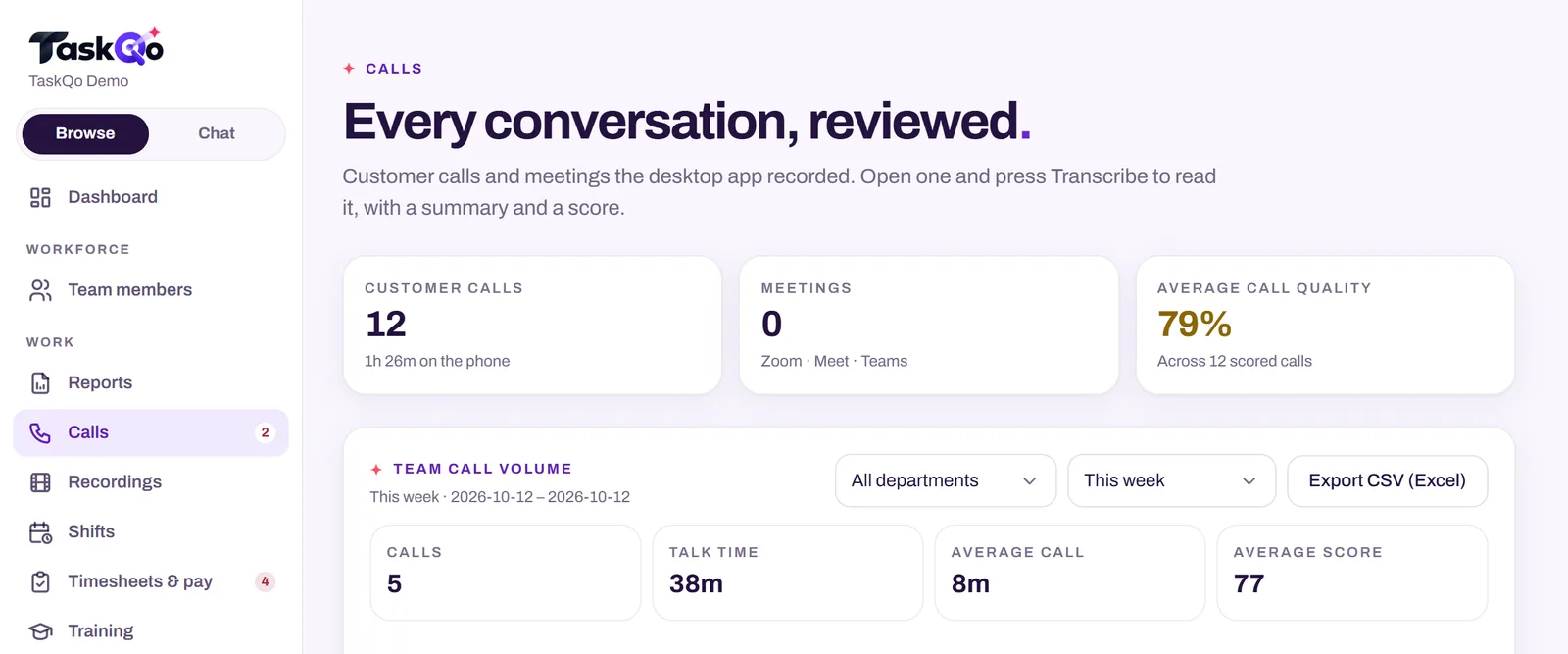
When call review is on, TaskQo records both sides of supported calls and meetings during configured shifts. One click on a recording gives a speaker-labelled transcript in 39 languages, a QA score for communication, issue resolution and professionalism, the customer's reaction, and coaching notes a manager can act on.
Privacy and self-view
Both tools let people see their own data. ActivTrak's Personal Insights give team members their own view in the app or by email, and the company lists HIPAA, GDPR, CCPA and SOC 2 Type 2 on all plans.
In TaskQo every team member sees the same timeline their manager sees, including the reason for each classification, and consent is recorded before the first capture. Recordings are kept in TaskQo storage, encrypted with a key for your organization.
Shifts, attendance and pay
ActivTrak covers schedule adherence, breaks and configurable schedules; it does not list payroll.
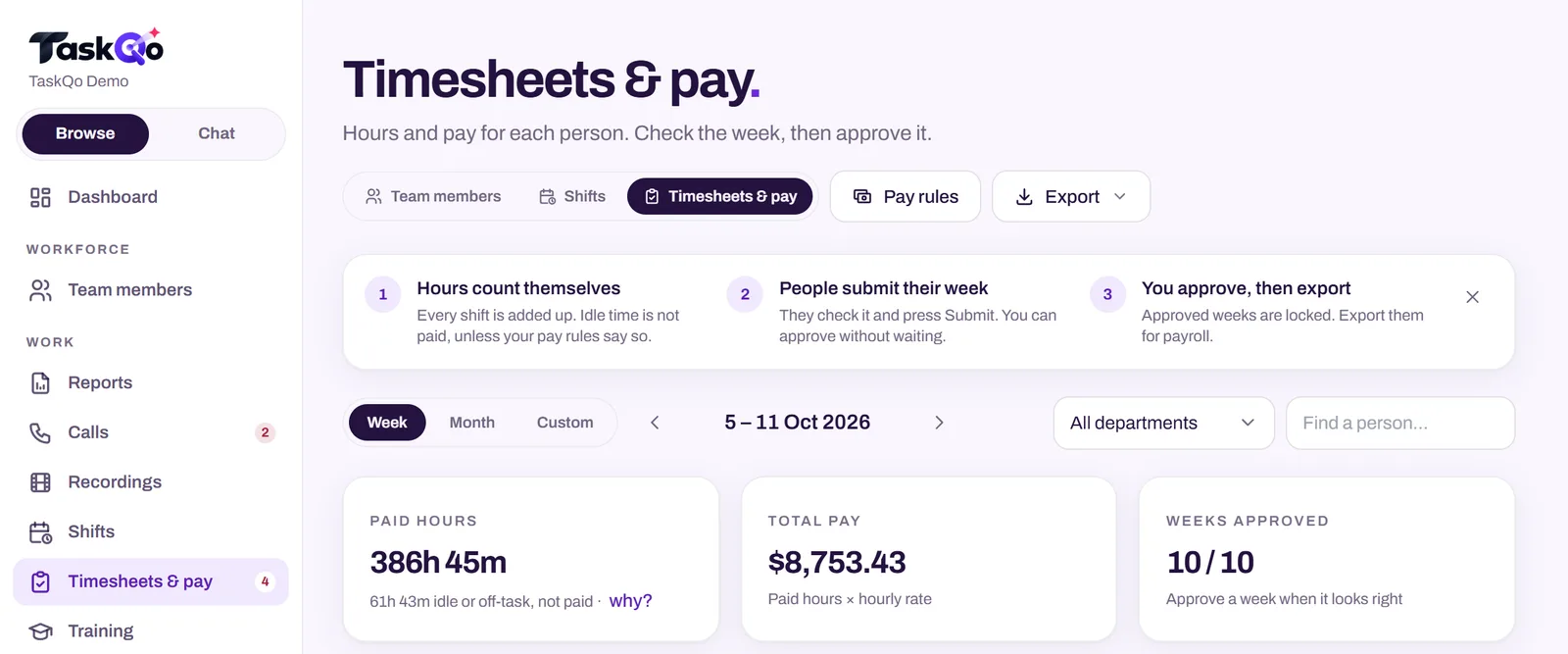
TaskQo turns tracked shifts into payroll-ready records: shifts, leave, holidays, overtime, breaks, hourly and salary pay with deductions, weekly approval and CSV or PDF export.
Pricing
ActivTrak has a free plan for up to three workers with 30 days of history. Paid plans are $10, $15, $17 and $21 per worker per month, annual billing only, with an AI Insights add-on at $4 on two of them and a 14-day trial.
Where ActivTrak is stronger
- Broad analytics: workload balance, focus and collaboration time, AI-tool adoption
- A long list of compliance certifications on every plan
Switching from ActivTrak to TaskQo
Start with one team rather than the whole company. Install the TaskQo desktop app, set the shift schedule and monitoring settings, invite the team, and compare the first few shifts with what your current tool told you. Performance data builds from the first tracked shift.
Related guides: Productive vs unproductive apps: why fixed app lists break · Why activity level is a poor measure of productivity.
FAQ
Is TaskQo a good ActivTrak alternative?
It is if you need evidence, a screenshot and a reason, behind each result, not only trends. If you want broad analytics on workload balance, focus and collaboration time, ActivTrak may still suit you better.
Does ActivTrak take screenshots?
Not on its core plans. Screenshots come through the Screen Details add-on.
Can team members see their own data in ActivTrak?
Yes, through Personal Insights. In TaskQo, every team member sees the same timeline and reasons their manager sees.
Does ActivTrak review calls?
No call recording or call QA is listed on ActivTrak's website as of October 12, 2026.