
Key takeaways
- Most timesheet errors come from memory, rounding habits and approvals done in a hurry.
- Record time as it happens instead of rebuilding a week from memory on Friday.
- Review exceptions such as missed breaks and late finishes, not every line.
- Approve each week before export, and keep a note of every adjustment.
Why timesheet errors matter more than they look
A wrong timesheet looks like a small problem: a few minutes here, a forgotten break there. But timesheet errors flow straight into payroll, and from there into overtime costs, client invoices and the trust people have in how they are paid.
Underpayment is the obvious risk. An agent who stayed late on a difficult customer call and was not paid for it notices, and tells colleagues. Overpayment is quieter but adds up, especially in a BPO that bills clients for the same hours.
Errors also cost management time. Every disputed timesheet means a supervisor digging through emails, chat logs and memory to work out what really happened. The fix is not stricter people. It is a better process for recording and checking time.
The most common sources of timesheet errors
In call centers and support desks, the same few causes show up again and again:
- Filling in from memory. When a timesheet is completed at the end of the week, start and end times become guesses.
- Rounding habits. People round to the nearest quarter or half hour, often in their own favor or, just as often, against it.
- Missed or shortened breaks. An agent skips lunch to clear a queue, but the timesheet still shows the standard break.
- Late finishes. A call that runs past the end of the shift is easy to forget.
- Copy and paste. Last week's timesheet is reused with small edits, carrying old mistakes forward.
- Rubber-stamp approvals. A manager approves dozens of timesheets at once without looking at any of them.
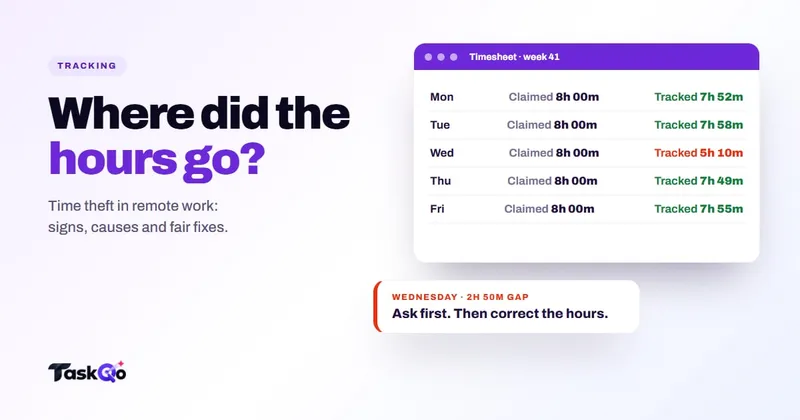
Notice that none of these require bad intent. Most come from manual entry and busy weeks. For the deliberate cases, see our guide on time theft in remote teams.
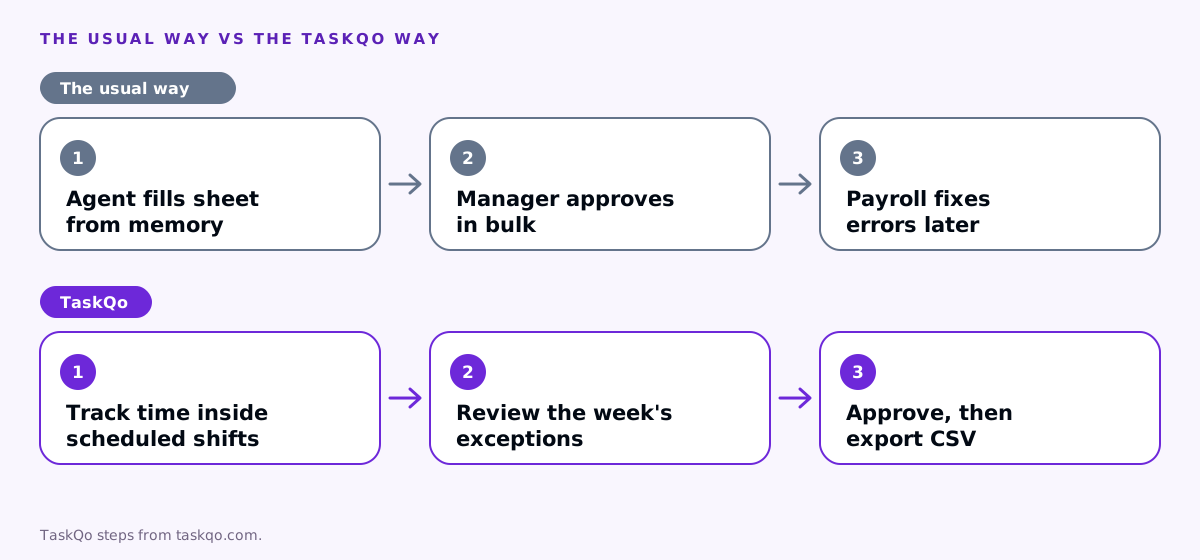
Record time as it happens
The single biggest improvement is to stop rebuilding the week from memory. Time recorded as it happens, by a clock-in, a tracker or a scheduling system, is far more accurate than time remembered days later.
Tie recorded time to the schedule. When the system knows a shift runs from nine to five with an hour of breaks, it can compare what was scheduled with what was worked and surface the differences automatically.
Be careful with rounding. If your process rounds times at all, the rule should be written down, applied the same way to everyone and neutral over time. Rules on rounding and on paying for time worked differ by country and state, so check local law or ask counsel before you set a policy.
Make breaks visible
Breaks are where recorded time and real time most often split apart. A timesheet that shows the same break every day, regardless of what happened, is almost certainly wrong somewhere.
Record breaks as they are taken, not as scheduled. Then look at the differences:
- Agents who regularly skip breaks may be overloaded, which is a staffing problem, not a discipline problem.
- Agents whose breaks regularly run long may need a conversation, or may be dealing with something outside work.
- Breaks that are always exactly the standard length may mean nobody is recording them at all.
Break rules, including paid and unpaid breaks, also differ by location. Make sure your scheduled breaks reflect the rules that apply to each team.
Approve weekly, review exceptions
Approval only catches errors if someone actually looks. Asking managers to check every line of every timesheet does not work, so ask them to check the exceptions instead:
- Overtime. Any hours beyond the schedule, and whether they were expected.
- Missed or long breaks. Differences between scheduled and actual break time.
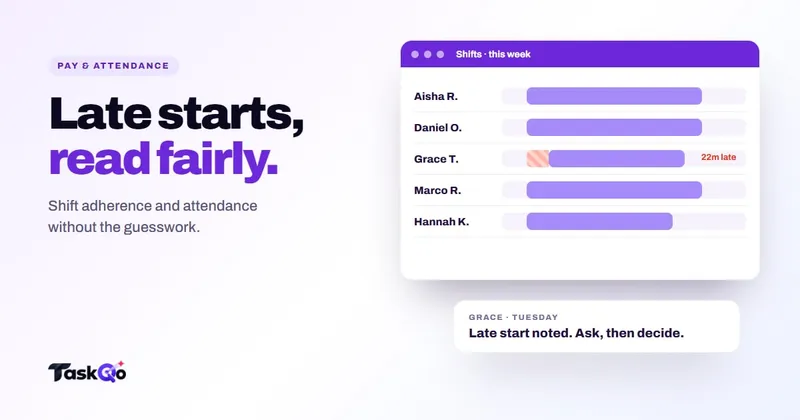
- Late starts and early finishes. Gaps against the shift.
- Manual adjustments. Any hours added or removed by hand, with the reason.
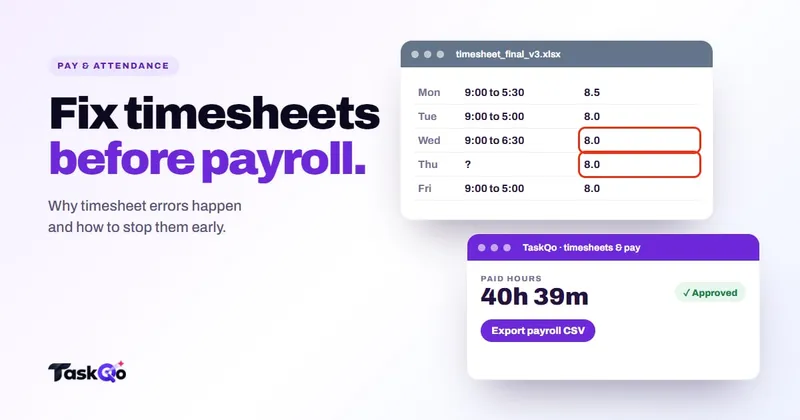
Approve one week at a time, before payroll export, so mistakes are fixed while people still remember the week. Every adjustment should carry a short note, such as a customer call that ran past the end of the shift, so the record explains itself later.
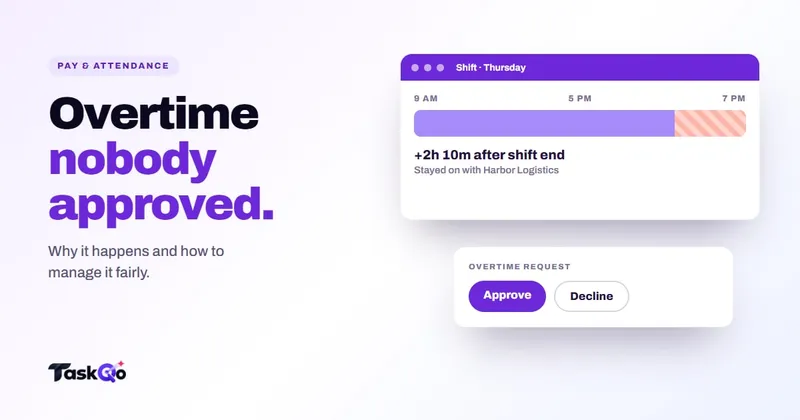
Overtime deserves its own process. Our guide to unapproved overtime covers it in depth.
Handle corrections the same way every time
Even with good records, some time will need correcting. A tracker may close before a call ends, a team member may forget to start a shift on time, or a break may be logged in the wrong place. How you handle those corrections matters as much as the corrections themselves.
Set a simple rule for every change:
- Who can make it. Usually the direct manager, with payroll able to see but not edit.
- Why it was made. A short note on every adjustment, written at the time.
- Who can see it. The person whose hours changed should be able to see the change and the reason.
- When it is made. Before the week is approved wherever possible, not after export.
Consistent corrections protect everyone. Team members can trust that changes to their hours are visible and explained. Managers have a record if a question comes up months later. And payroll gets one approved set of hours instead of a stream of late emails. Review the notes from time to time as well. If the same correction keeps appearing, such as calls running past the end of a shift, that is a scheduling problem worth solving at the source.
How TaskQo prepares payroll-ready hours
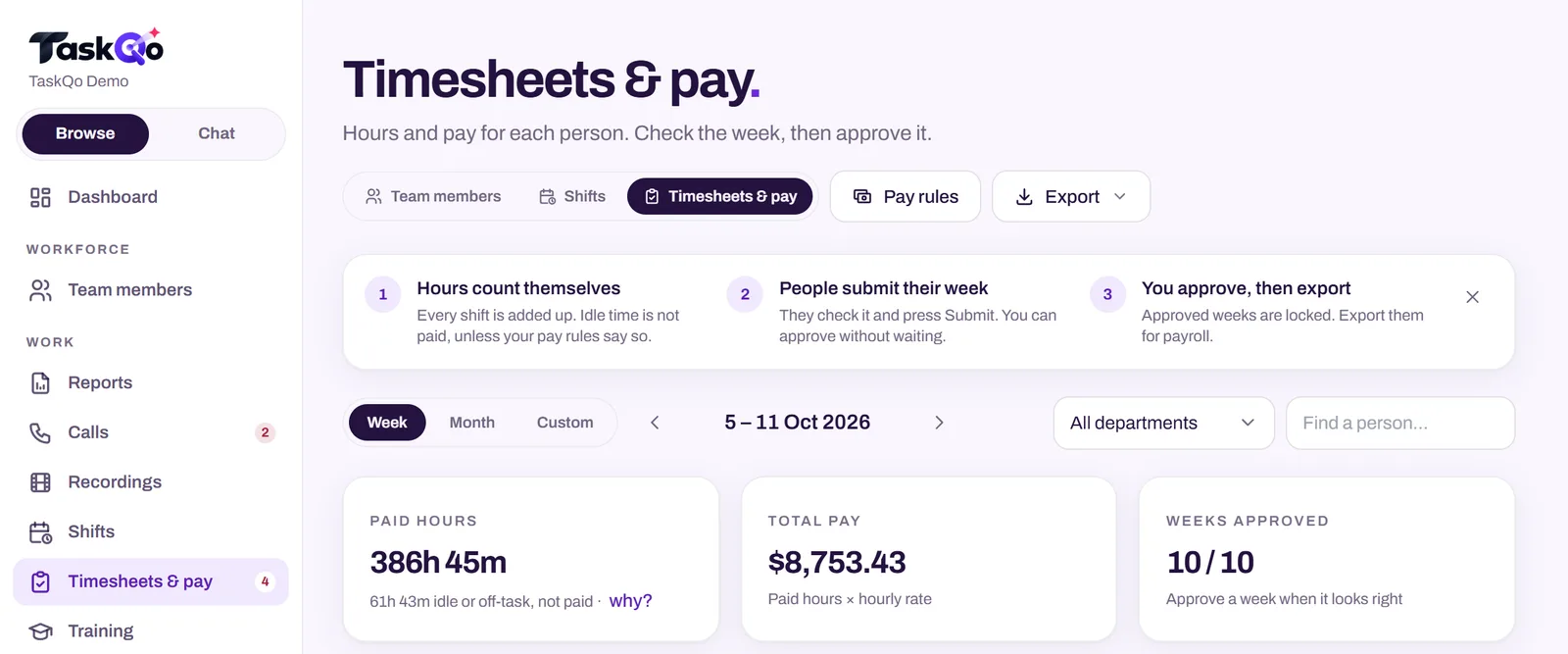
TaskQo turns verified work time into payroll-ready records. You set fixed or flexible shifts on a weekly calendar with leave and holidays, and monitoring runs only inside them. Every tracked minute is classified as productive, unproductive or idle, with the reason shown.
From that tracked work, TaskQo calculates attendance, overtime, breaks and holiday pay. It handles hourly rates and salaries, overtime and holiday multipliers, breaks, leave and deductions. Managers see hours and pay for each person, check the week, adjust where needed and approve it. Nothing is exported until the week is approved.
Exports come as a payroll-ready CSV and a timesheet PDF. Team members see their own timeline through self-view, so a disputed hour can be checked against the same record their manager sees. Managers can also ask the TaskQo assistant questions like "What is overtime costing us this month?"
Look through the hours and pay screens in the live demo with sample data, or join the waitlist for early access.
A checklist before every payroll run
Whatever tools you use, a short checklist catches most problems before they reach anyone's pay:
- Every timesheet for the period is approved by the right manager.
- Overtime matches what was scheduled or approved, and any surprises are explained.
- Breaks reflect what was taken, not just what was planned.
- Leave and holidays are recorded and paid at the right rate.
- Every manual adjustment has a note.
- Billable hours for each client match the hours paid.
When an error does slip through, fix it in the next run, tell the person affected and find the step in the process that let it through. Over time, the checklist gets shorter because the process stops producing the same mistakes.
Comparing tools: TaskQo vs Hubstaff: AI work analysis or time tracking? · TaskQo vs DeskTime: simple time tracking or AI shift analysis?.
FAQ
What are the most common timesheet errors?
Filling in times from memory, inconsistent rounding, breaks that were missed or ran long, late finishes that were never recorded and approvals done in bulk without review.
How do you fix a timesheet error after payroll?
Correct it in the next payroll run, tell the person affected and record the reason. Then find the step that let the error through so it does not repeat.
Is rounding time on timesheets allowed?
Rules differ by country and state. If you round at all, the rule should be written down and applied the same way to everyone, but check local law or ask counsel first.
How can managers approve timesheets faster without missing errors?
Review exceptions instead of every line: overtime, missed or long breaks, late starts and manual adjustments. Approve one week at a time, before payroll export.
About this guide: written by the TaskQo team. We make TaskQo, a tool that analyzes work inside scheduled shifts, so we mention it where it fits. The advice here works with any tool. Rules on workplace monitoring differ by country and state, so check local law before you change a policy. Questions or corrections: admin@taskqo.com.