
Key takeaways
- Most unapproved overtime comes from workload, unclear rules or calls that run long.
- A good policy says who can approve overtime, how to ask and what happens if work runs over.
- Fix the causes, such as staffing and shift design, before you tighten the rules.
- Time that was worked should be handled fairly, so check local law before refusing to pay it.
What counts as unapproved overtime
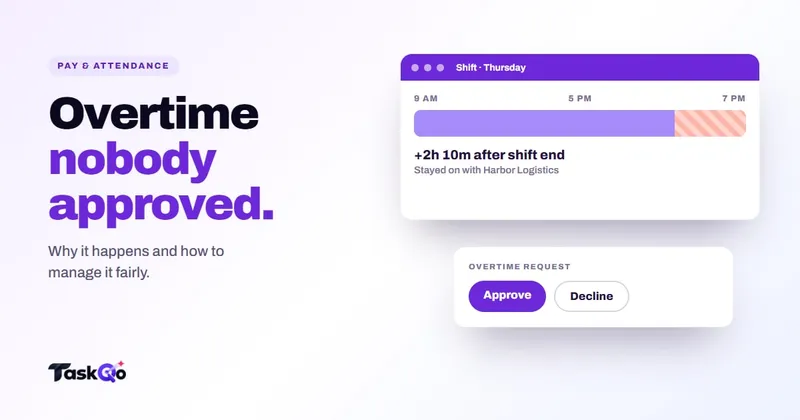
Unapproved overtime is time worked beyond a scheduled shift, or beyond the hours that trigger overtime pay, without a manager agreeing to it first. It might be fifteen minutes finishing a ticket, an hour clearing a backlog or a whole Saturday nobody asked for.
Managers tend to notice it in two places: on the payroll report, when the overtime line is higher than planned, and on client invoices, when hours do not match the budget for an account.
It is tempting to treat every case as a discipline issue. That is usually a mistake. In most call centers and support teams, unapproved overtime is a signal that something in the schedule, the workload or the policy is not working.
Why people work overtime without asking
Before writing rules, find out why it happens. The common causes are mostly operational:
- Calls that run long. An agent cannot hang up on a customer at five o'clock. The call ends when it ends.
- Queues that do not empty. Conscientious agents stay to clear tickets so the next shift does not inherit them.
- Understaffing. When a team is short, the work does not shrink, so people stretch their day.
- Unclear rules. If nobody knows who approves overtime or how to ask, people simply keep working.
- Pressure to hit targets. Tight handle-time or output targets can push people to catch up off the clock or after hours.
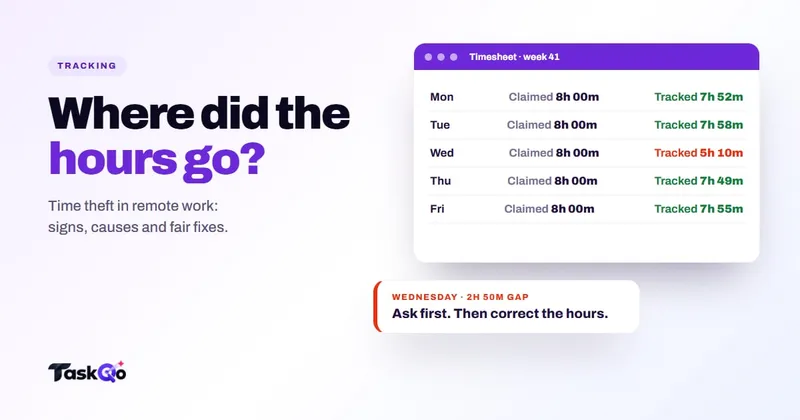
Only a small part of overtime comes from people padding hours. If you suspect that, read our guide to time theft in remote teams, and treat it as a separate question from honest overtime.
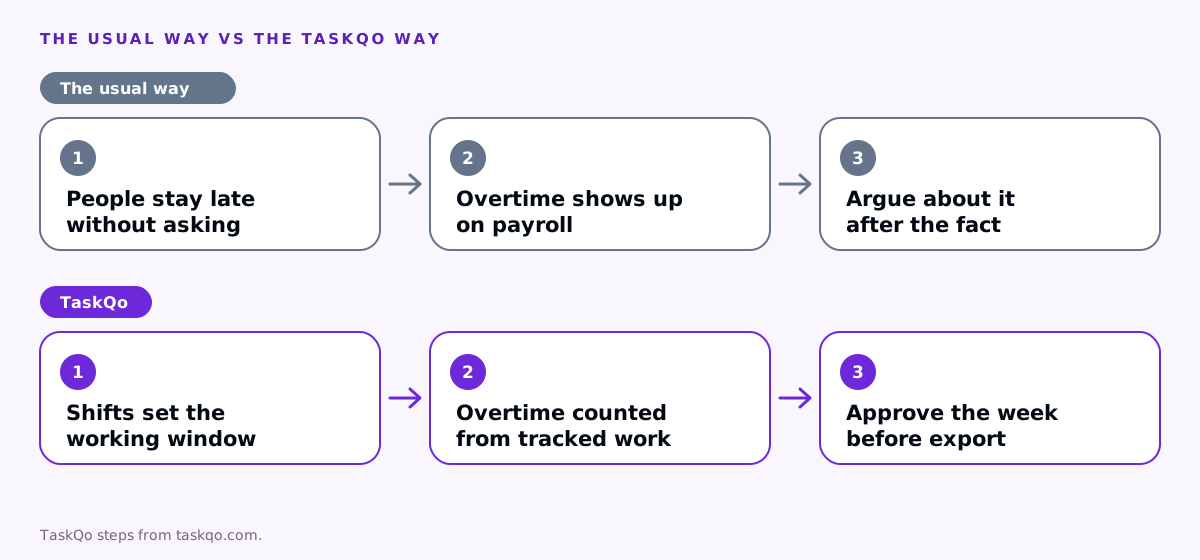
Write an overtime policy people can follow
A clear policy removes most of the guesswork. Keep it to one page and cover these points:
- Who can approve overtime. Name the role, usually the team lead or shift supervisor, and a backup when they are away.
- How to ask. A message in the team channel, a request form or a call, whatever is fastest during a shift.
- What happens when work runs over. For example, a customer call that cannot be cut short. Say that the agent should finish the call and note it, not hang up.
- How overtime is recorded and paid. Including rates, multipliers and when it shows on a payslip.
- What happens with repeated unapproved overtime. Start with a conversation about workload, not a warning.
Rules on overtime pay, including when it applies and at what rate, differ by country and state. In many places, time that was actually worked has to be paid even if it was not approved in advance, so check local law or ask counsel before you set a policy.
Make shift ends clear
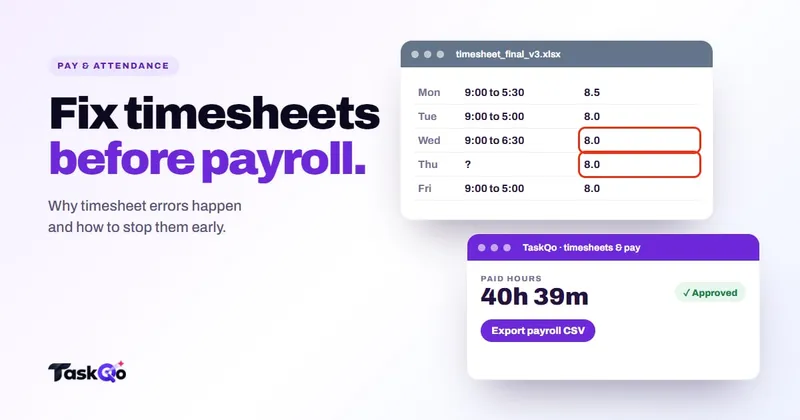
Overtime often grows because the end of a shift is fuzzy. If the schedule says five, but nobody tracks when people actually stop, minutes creep in unnoticed until the payroll report arrives.
Make the end of the shift visible to everyone. Scheduled shifts, fixed or flexible, should be in a calendar people can see, and recorded time should stop when the shift ends unless someone deliberately extends it.
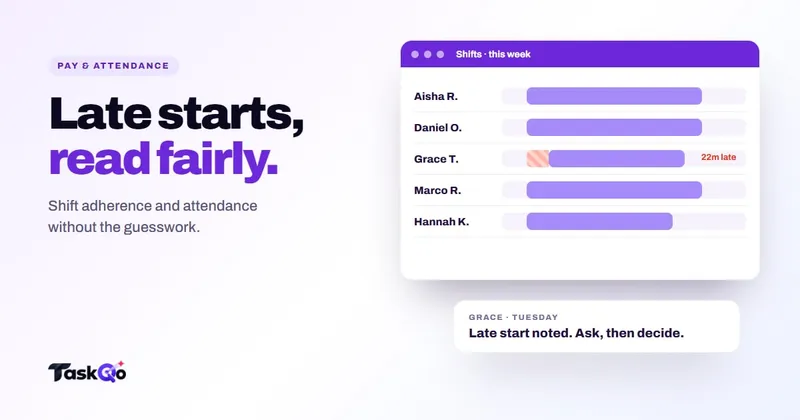
Plan the last part of a shift too. Stop routing new long calls to agents in their final minutes where your phone system allows it, and hand open tickets to the next shift with a short note. These small habits remove a lot of overtime without any change to policy. For more on schedule tracking, see our guide to shift adherence.
Review overtime weekly, not at payroll
The worst time to discover overtime is when payroll is due. By then the week is a blur, and every question turns into an argument about what happened.
Review overtime as part of a weekly approval:
- Compare worked hours with scheduled hours for each person.
- Look at the overtime that was not planned and ask why, in a neutral way.
- Approve what was worked, add a short note to each adjustment and record any follow-up.
- Look for patterns: the same team every Friday, the same client account every month end.
Patterns are the real prize. If one account always runs over at month end, that is a staffing or pricing conversation with the client, not a problem with the agents. Our guide to timesheet errors covers the rest of the weekly check.
Give agents an easy way to ask
Many people work unapproved overtime simply because asking is harder than carrying on. If approval means finding a supervisor who is on another call or filling in a long form, a busy agent will skip it and sort it out later.
Make the request as quick as the work it covers:
- One channel. Pick a single place to ask, such as a team chat channel, so requests are not lost across email and messages.
- A short format. Name, reason and expected extra time is enough.
- A fast answer. Agree how quickly supervisors respond, and what the agent should do if nobody answers in time.
- A clear default. For example, finish the current customer call and log it, but do not start new work after the shift without approval.
When asking is easy, overtime becomes visible while it is happening, not days later on a report. That gives supervisors a chance to move work, call in cover or agree the extra time before it adds up. It also tells agents that you would rather hear about the extra work than have them hide it.
How TaskQo helps you manage overtime
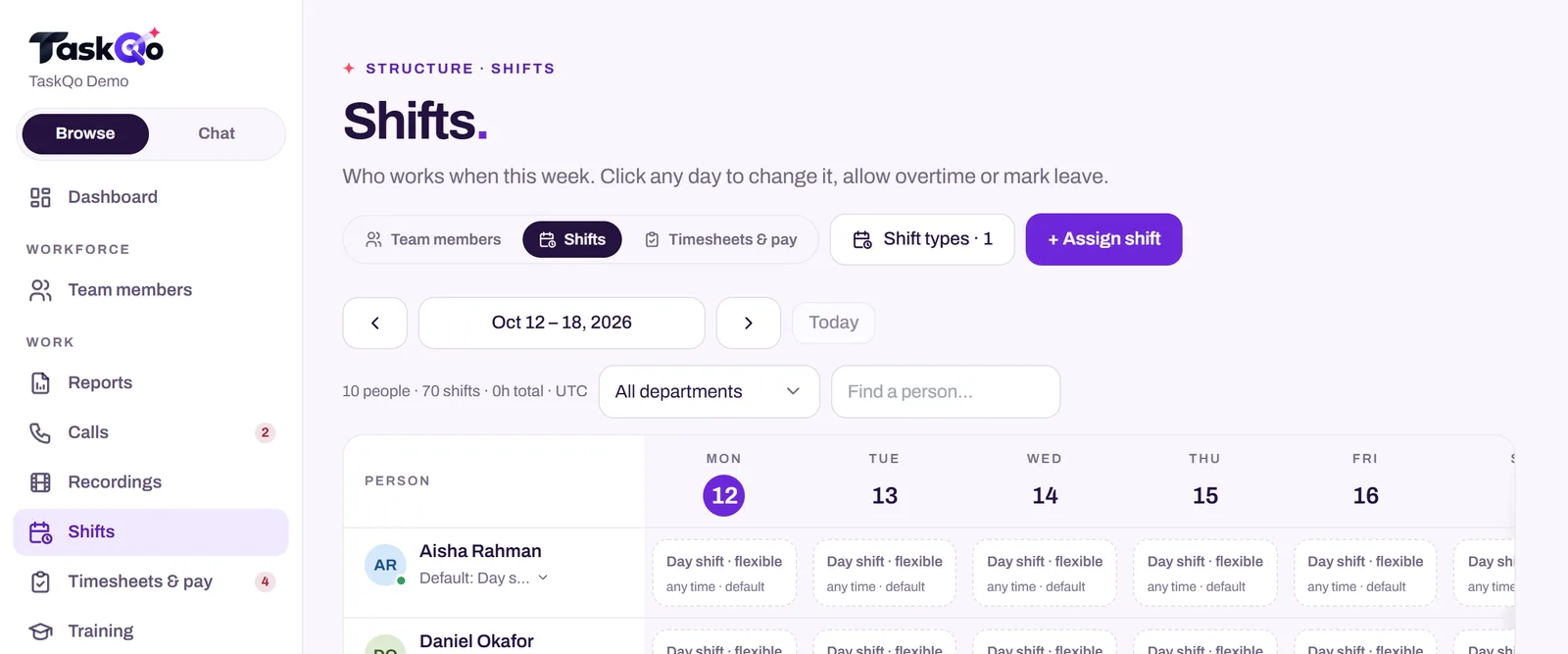
TaskQo starts with the schedule. You set fixed or flexible shifts on a weekly calendar with leave and holidays, and monitoring runs only inside them. When a shift ends, the desktop app stops capturing, so the end of the working day is clear.
From tracked work, TaskQo calculates attendance, overtime, breaks and holiday pay, using the hourly rates, salaries and overtime multipliers you set. Managers see hours and pay for each person, check the week, adjust where needed and approve it. If an agent stayed on a customer call after the tracker closed, a manager can add that time to their hours with the reason noted. Nothing goes into the payroll-ready CSV or timesheet PDF until the week is approved.
To spot patterns, managers can ask the TaskQo assistant questions like "What is overtime costing us this month?" and get an answer from the team's own data. Team members see their own timeline through self-view, so overtime is never a surprise on either side.
Explore the hours and pay screens in the live demo with sample data, or join the waitlist for early access.
Keep it fair on both sides
A fair overtime process protects the business and the people doing the work. Managers get predictable costs and fewer surprises. Agents get paid properly for the time they put in and a clear way to ask for more hours when the work needs it.
Avoid policies that quietly discourage people from recording real time, such as hinting that overtime will hurt a review. That moves the problem off the books rather than solving it.
When overtime keeps rising, treat it as data. It tells you where staffing is thin, where shifts are badly placed and which clients need a different agreement. Fix those, and unapproved overtime usually takes care of itself.
Comparing tools: TaskQo vs DeskTime: simple time tracking or AI shift analysis? · TaskQo vs Hubstaff: AI work analysis or time tracking?.
FAQ
Do you have to pay unapproved overtime?
Rules differ by country and state, and in many places time that was worked must be paid even if it was not approved. Check local law or ask counsel, and handle repeated cases through policy and conversation.
How do you stop unapproved overtime?
Find the cause first, such as long calls, understaffing or unclear rules. Then set a clear approval process, make shift ends visible and review overtime weekly instead of at payroll.
What should an overtime policy include?
Who can approve overtime, how to ask, what to do when work runs over, how overtime is recorded and paid, and what happens when unapproved overtime keeps repeating.
Can you discipline someone for working unapproved overtime?
Start with a conversation about workload and the policy rather than a warning. Any formal action should follow your written policy and local law, so check with HR or counsel first.
About this guide: written by the TaskQo team. We make TaskQo, a tool that analyzes work inside scheduled shifts, so we mention it where it fits. The advice here works with any tool. Rules on workplace monitoring differ by country and state, so check local law before you change a policy. Questions or corrections: admin@taskqo.com.