
Key takeaways
- Track metrics per client account first, because each contract defines good work differently.
- Utilization shows time spent, not work done. Pair it with an output and a quality measure.
- Clients trust numbers more when you can show the activity behind them.
- Compare accounts and agents on the same definitions, or the comparison means nothing.
Why BPO productivity metrics are different
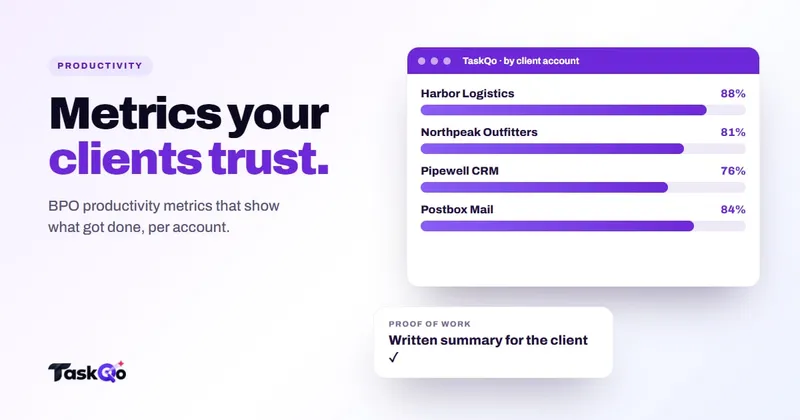
An in-house support team has one definition of success. A BPO has as many as it has clients. One account pays for resolved tickets, another for handled calls, a third for hours of back-office processing. BPO productivity metrics have to work at the level of the client account before they work at the level of the company.
That changes how you build a dashboard. A single company-wide productivity figure blends a chat account with an outbound sales account and tells you very little about either. Clients do not care about your blended number. They care about the people assigned to their work.
So the starting point is simple: every metric should be reportable by person, by team and by client account. If your tools cannot split the data that way, you will end up rebuilding it by hand in spreadsheets every month.
Utilization is not output
Utilization, the share of paid time spent on client work, is the metric many BPO contracts are priced around. It matters, but it measures time, not results. An agent can be logged in, active and assigned to the right queue while getting very little done.
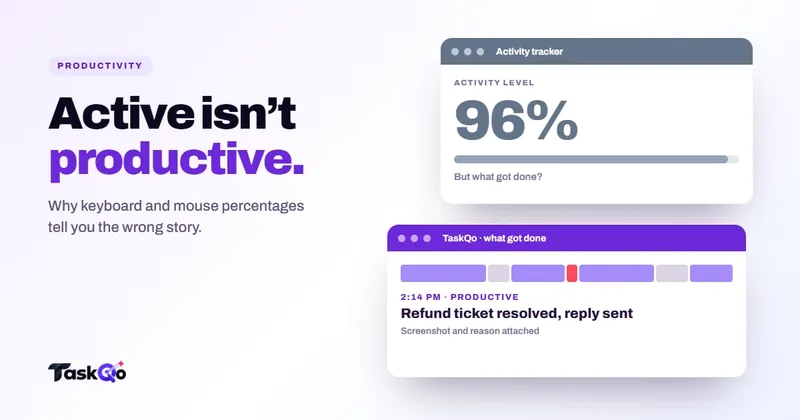
Activity-based tools make this worse. Keyboard and mouse percentages reward movement, which penalizes agents who spend time reading a long ticket or listening on a call. We cover this in detail in why activity percentage misleads.
A sounder model pairs three kinds of measure for each account:
- Time: utilization, productive time and idle time.
- Output: tickets resolved, calls handled, cases processed or sales closed.
- Quality: QA scores, first-contact resolution or rework rates.
Any one of these alone can be gamed or misread. Together they tell you whether time turned into good work.
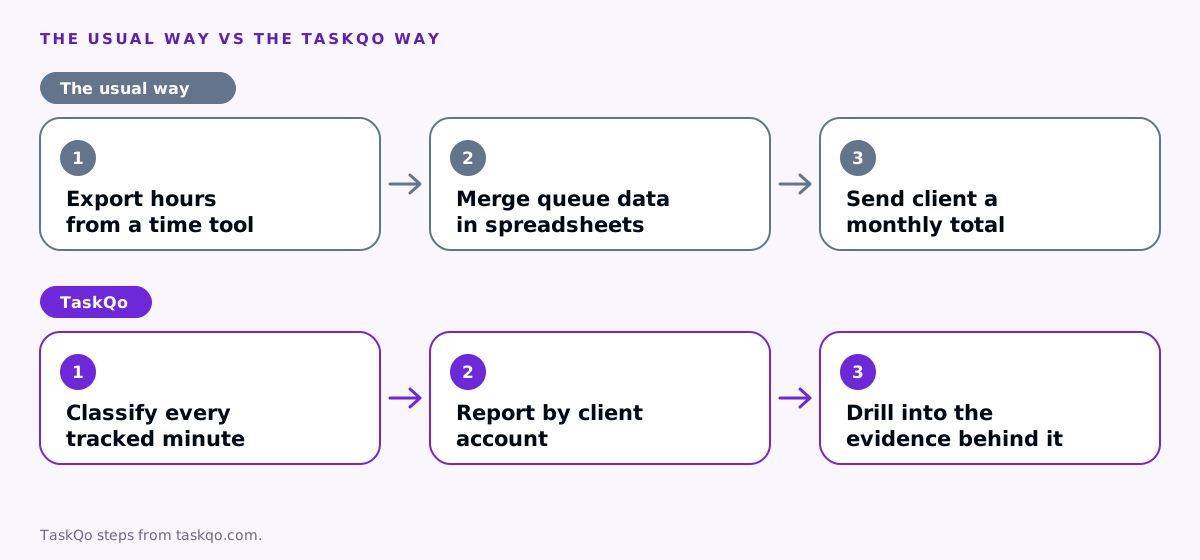
The core metrics to track per account
Which metrics you choose depends on the contract, but most BPO accounts draw from the same short list:
- Productive time share. How much of each shift went to work for the account, as opposed to unrelated apps or idle stretches.
- Average handle time. Useful for staffing, harmful as a target on its own because it pushes agents to rush customers.
- First-contact resolution. Whether the customer's issue was solved without a repeat contact.
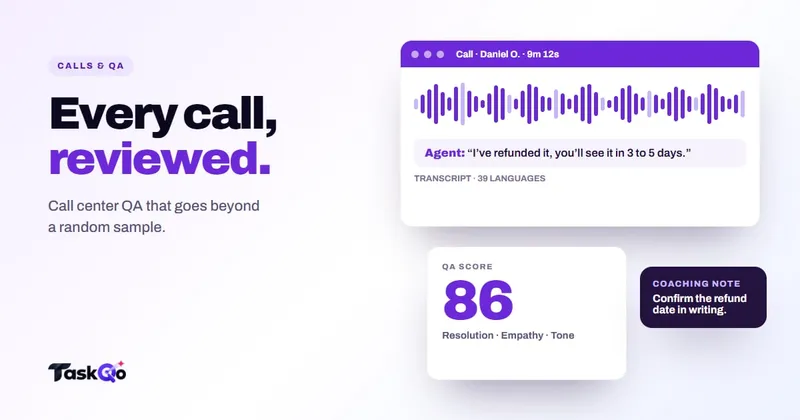
- QA score. A calibrated score on communication, resolution and compliance.
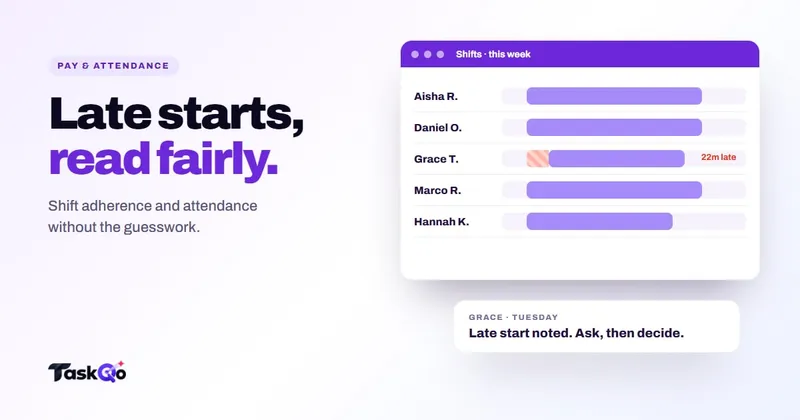
- Schedule adherence. Whether agents were working when the account needed them. See our guide to shift adherence.
- Billable hours. Hours worked on the account, ready to reconcile against the invoice.
Write down the definition of each metric and share it with the client. When a client asks why a number moved, a shared definition turns an argument into a quick check.
Compare agents and accounts fairly
Comparing productivity across accounts is useful for staffing and pricing, but only if the work is comparable. A complex technical support queue will never match the throughput of a simple order-status line, and it should not be expected to.
Compare like with like. Rank agents within the same account and the same queue, not across the whole floor. When you compare accounts, look at trends over time rather than raw levels: is this account's productive share rising or falling, and why?
Watch for workload, not just output. An agent with lower numbers may be carrying the hardest cases, covering for an absent colleague or training a new hire. Numbers start the conversation. A team lead who knows the context finishes it.
Watch idle and unproductive time in context
Idle and unproductive time are the metrics clients ask about most, and the ones most easily misread. A few minutes of idle time between calls is normal in an inbound queue. A long idle stretch in the middle of a back-office shift is worth a question.
Read these numbers against the work itself:
- Inbound voice and chat. Idle time often reflects queue volume, not effort. If no contacts arrived, the agent could not handle them.
- Back-office processing. Work is usually always available, so longer idle stretches deserve a closer look.
- Outbound sales. Time spent researching a lead can look unproductive to an app list but is part of the job.
Before raising idle time with an agent or a client, check the queue, the schedule and what the agent was doing either side of the gap. Our guide to tracking idle time fairly covers thresholds and common traps.
When you report idle time to a client, explain the context next to the number. A short note such as "low inbound volume on Tuesday afternoon" prevents a reasonable figure from turning into a difficult conversation.
How to prove work to clients
Clients increasingly want more than an invoice and a monthly slide deck. They want confidence that the hours they pay for were spent on their work, especially when agents work remotely.
A few habits build that confidence:
- Report by account, every week. Billable hours, productive time, output and quality, in a format the client recognizes.
- Show the evidence on request. When a client questions a number, be able to drill into the activity behind it rather than defending a total.
- Flag exceptions early. Tell the client about a dip and its cause before they find it themselves.
- Protect agent privacy. Share account-level results and only the detail the contract calls for, not every screen from every shift.
Being open about monitoring with your own agents matters here too. Clients ask how you verify remote work, and "openly, with consent, during shifts" is a far better answer than a vague one.
How TaskQo reports BPO productivity
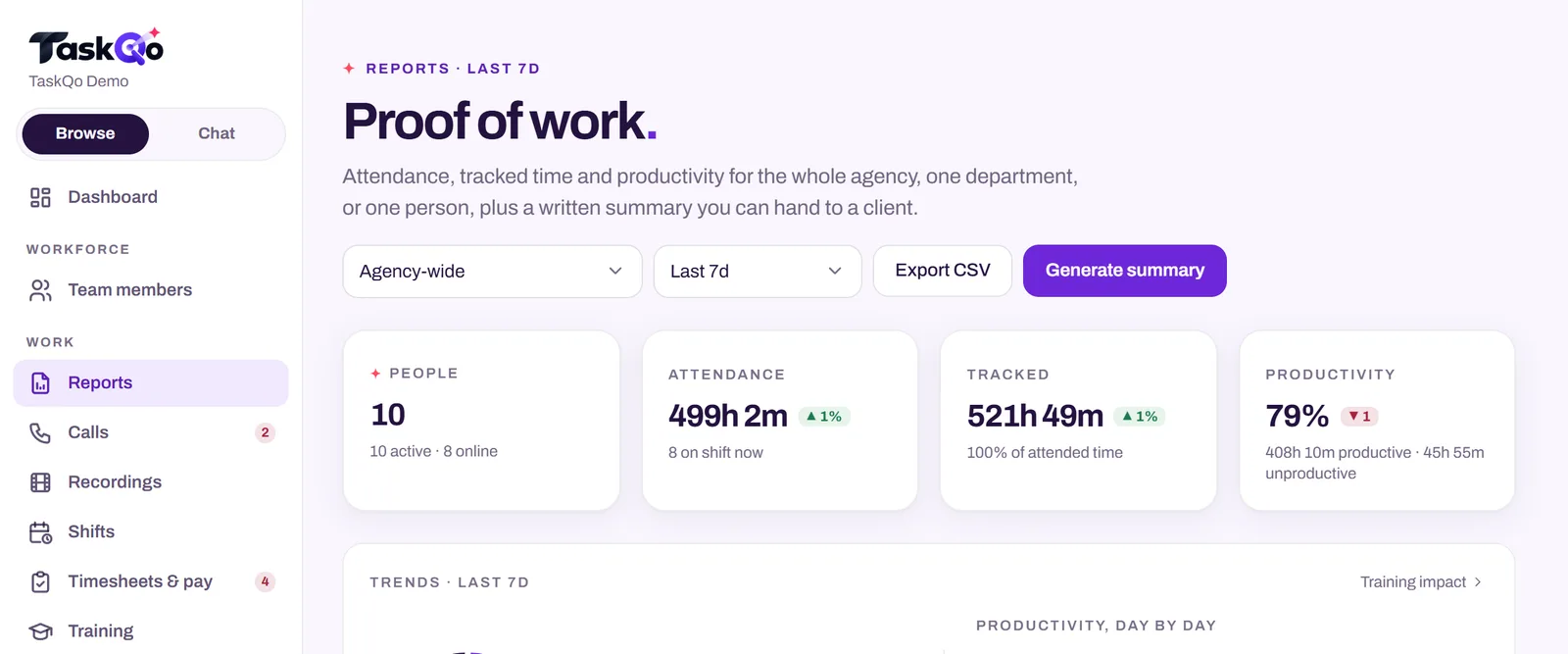
TaskQo is built for BPOs that need to prove work to clients and compare productivity across agents and accounts. Every tracked minute is classified as productive, unproductive or idle, and every result shows the screenshot and activity behind it, with a one-line reason.
Reports cover productivity, workload and call quality by person, department and client account. A company view shows billable hours and utilization for every client in one place, and a department view shows productive time, QA averages and off-task trends by team. You can drill from any result into the activity behind it, which is what you need when a client asks a hard question.
Monitoring runs only inside fixed or flexible scheduled shifts, consent is recorded before the first capture, and team members see their own timeline with the same reasons their manager sees. Managers can confirm or change a classification in one click, and the change is logged.
Try the client and account reports in the live demo with sample data, or join the waitlist for early access.
Start with one account
You do not need to rebuild reporting for the whole company at once. Pick one client account with a clear contract and a cooperative client contact.
Agree on the definitions with the client, set up time, output and quality measures, and run it for a few weeks. Review the results with the team first, then with the client. Fix the definitions that caused confusion before you roll the same model out to the next account.
Monitoring rules differ by country and state, and some clients have their own requirements, so check local law and your contracts before you start. If you are comparing tools for this, our comparison pages lay out how TaskQo differs from common alternatives.
Comparing tools: TaskQo vs Time Doctor: which is better for BPOs and call centers? · TaskQo vs Insightful: two ways to understand remote work.
FAQ
What are the most important BPO productivity metrics?
Most BPOs combine a time measure such as utilization or productive time, an output measure such as tickets resolved or calls handled, and a quality measure such as QA score or first-contact resolution, tracked per client account.
What is the difference between utilization and productivity in a BPO?
Utilization measures the share of paid time spent on client work. Productivity asks what that time produced, so it needs an output and a quality measure alongside it.
How do BPOs prove work to clients?
By reporting per account on agreed definitions, sharing billable hours with the activity behind them on request, and flagging exceptions early instead of defending totals after the fact.
Should average handle time be a target?
Use it for staffing and trends, but be careful making it a target on its own. Pushing handle time down can hurt resolution and customer satisfaction.
About this guide: written by the TaskQo team. We make TaskQo, a tool that analyzes work inside scheduled shifts, so we mention it where it fits. The advice here works with any tool. Rules on workplace monitoring differ by country and state, so check local law before you change a policy. Questions or corrections: admin@taskqo.com.